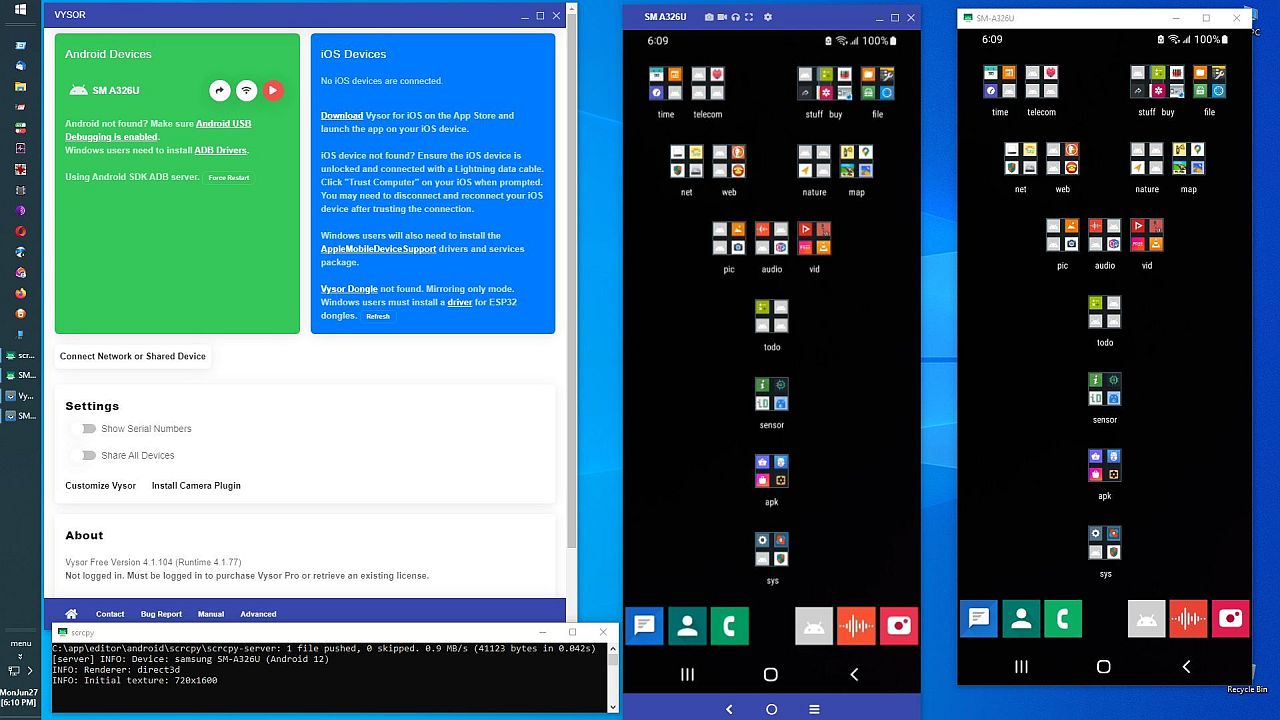
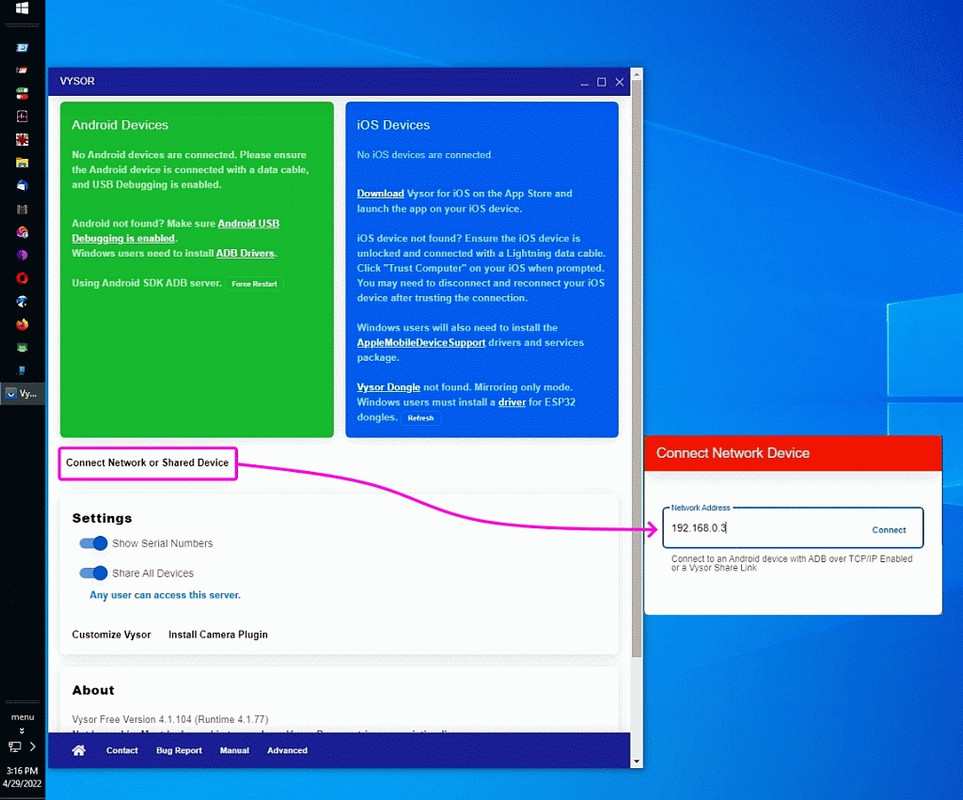
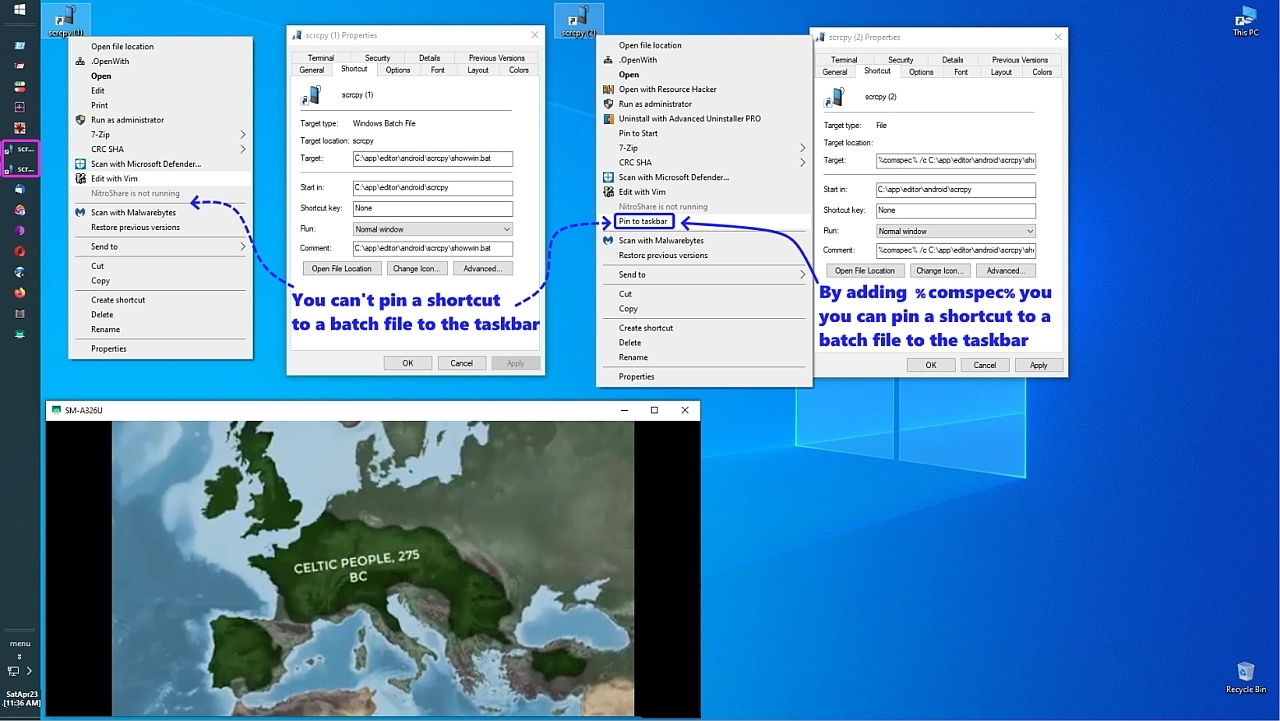
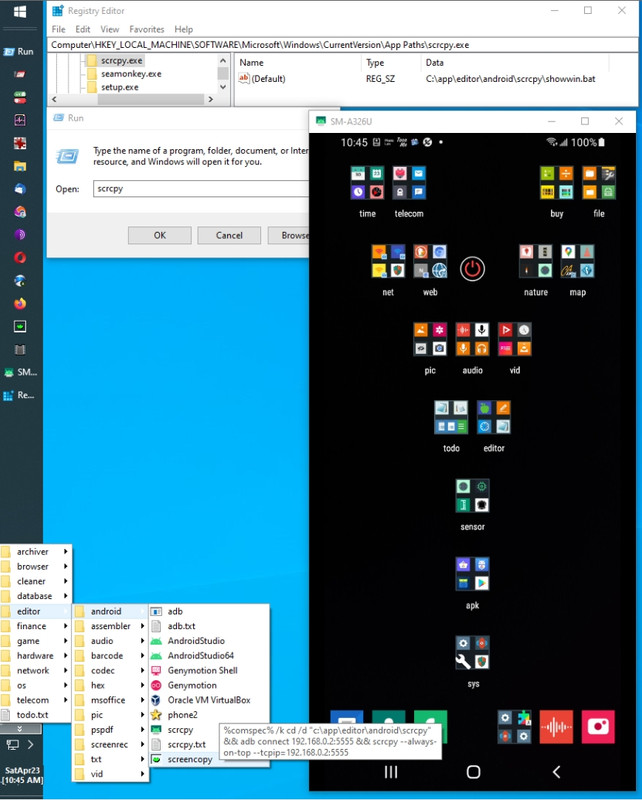
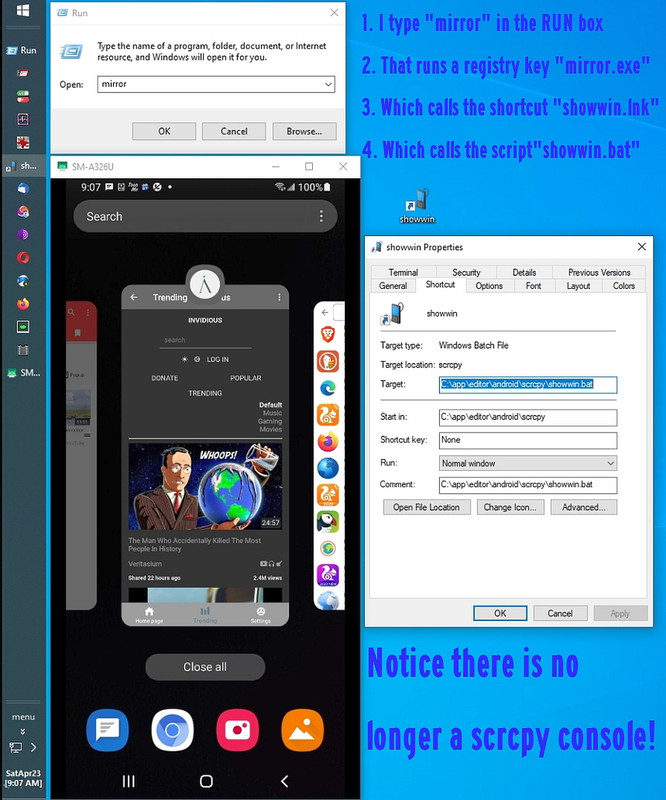
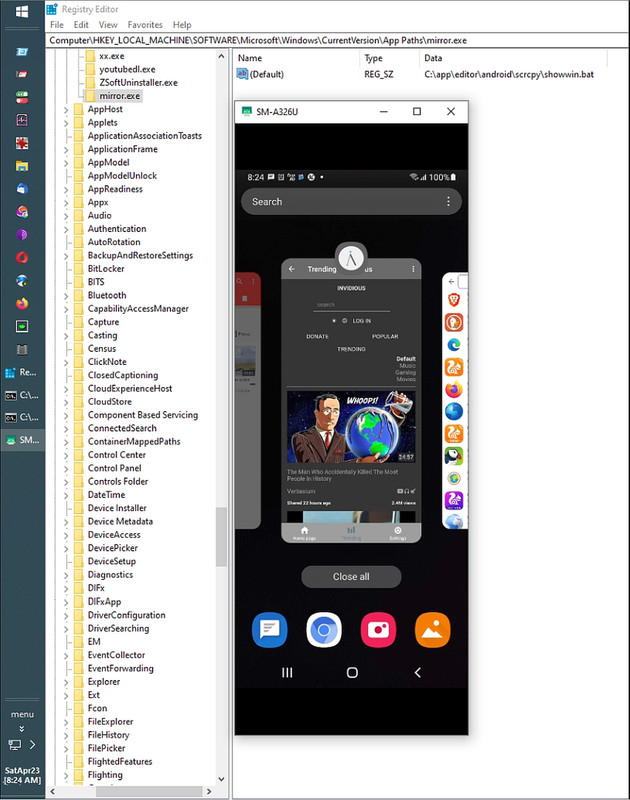
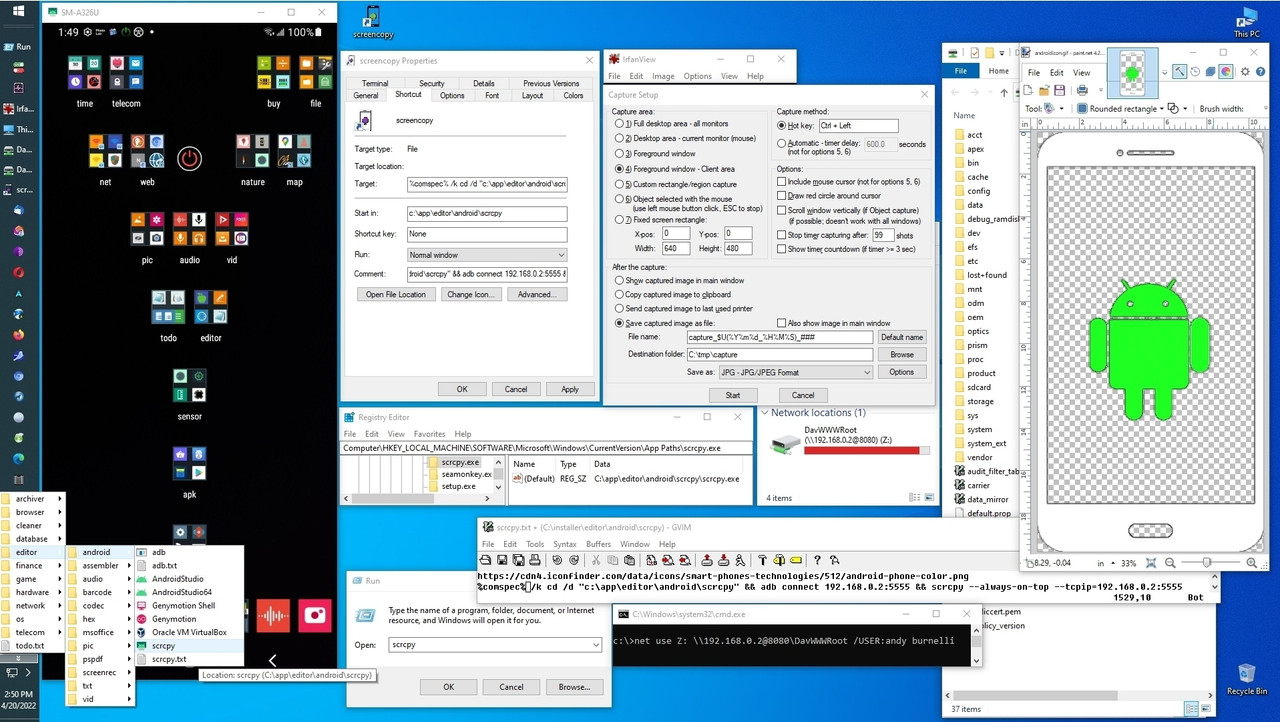
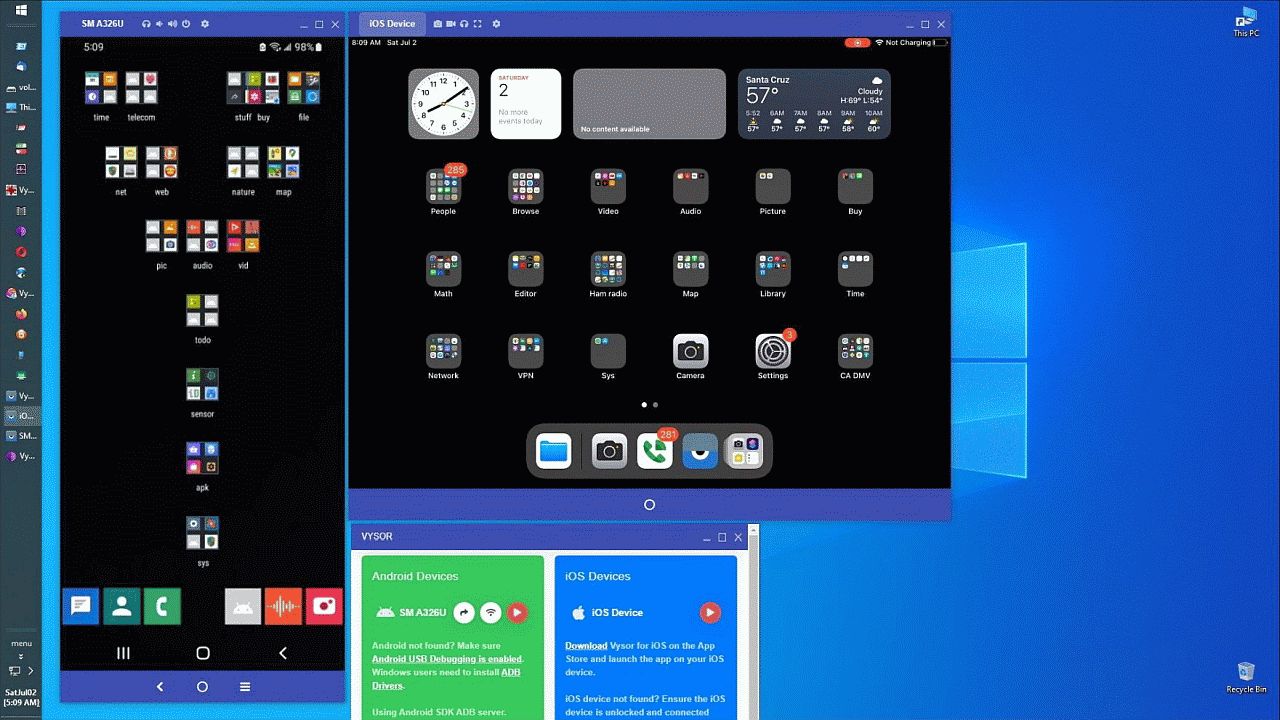
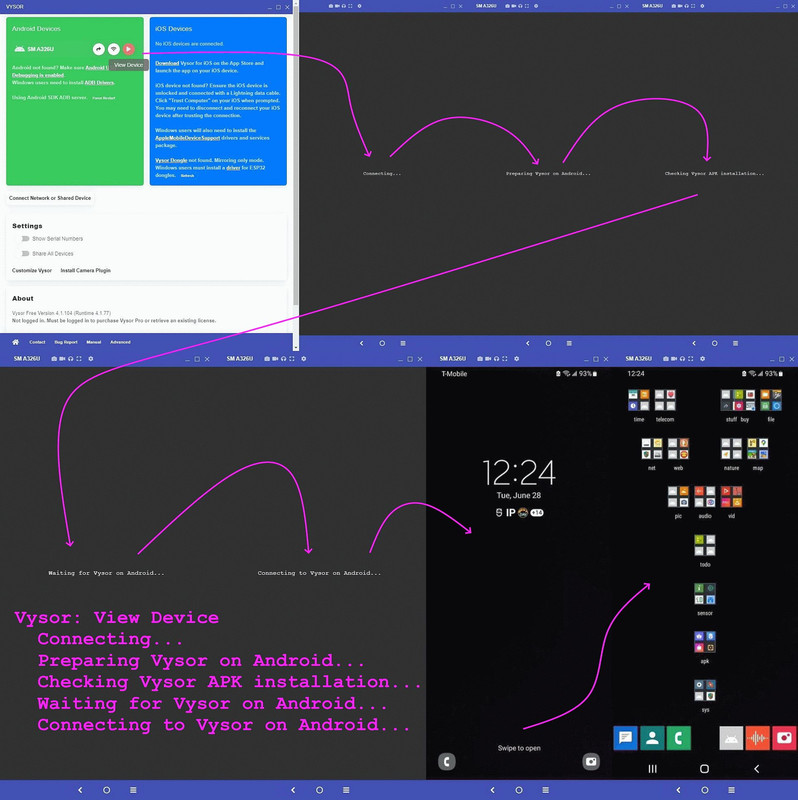
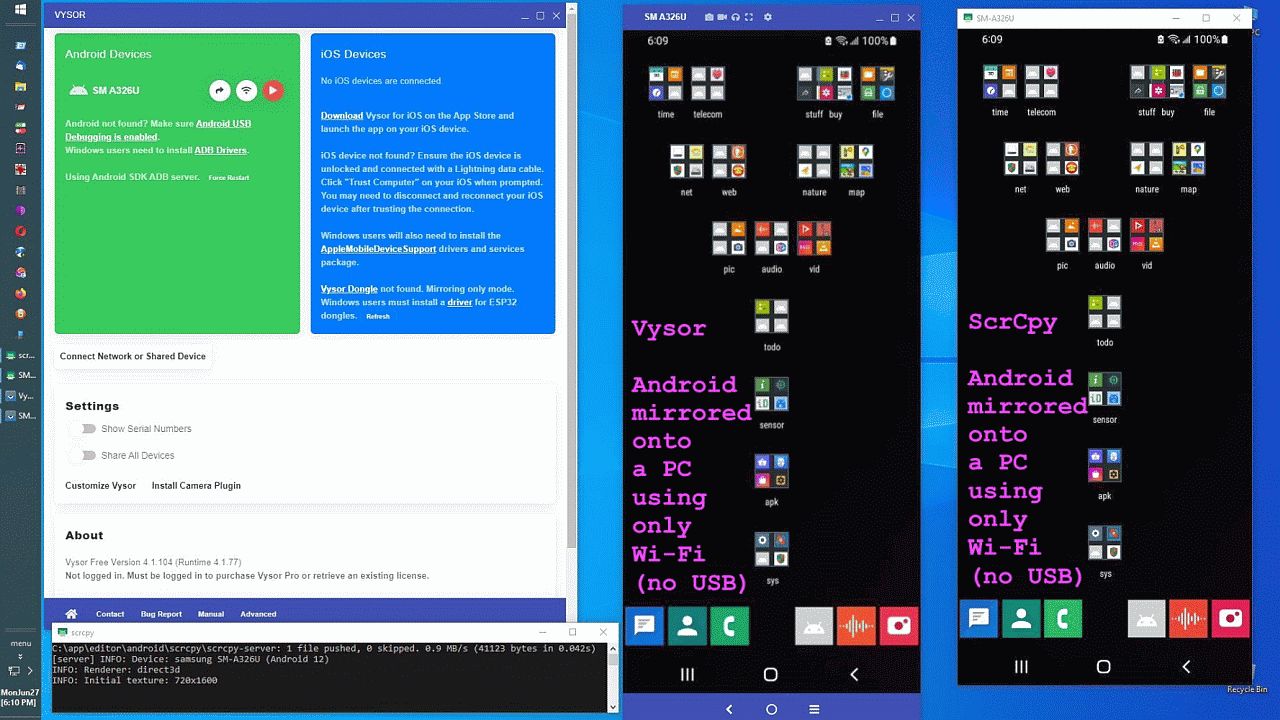
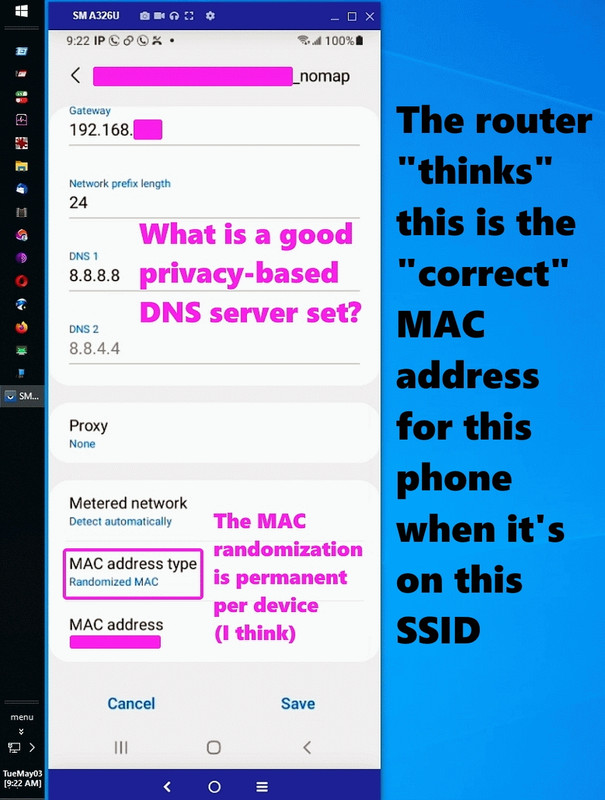
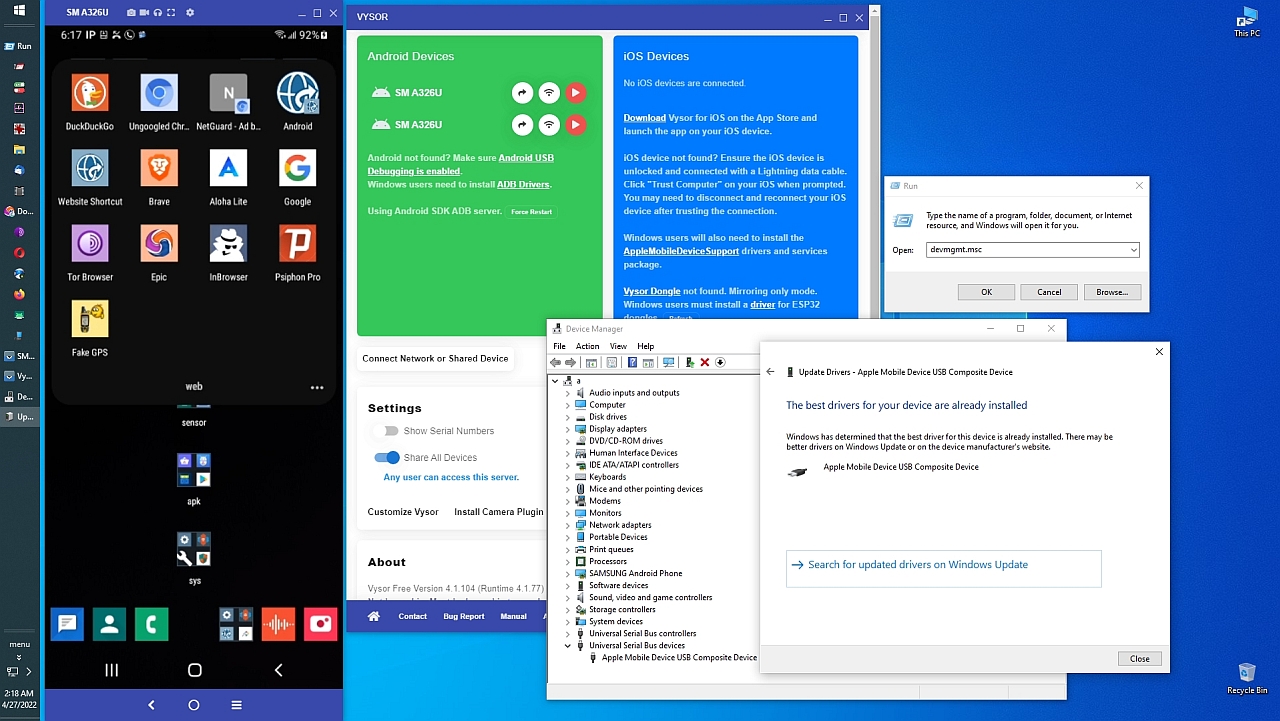
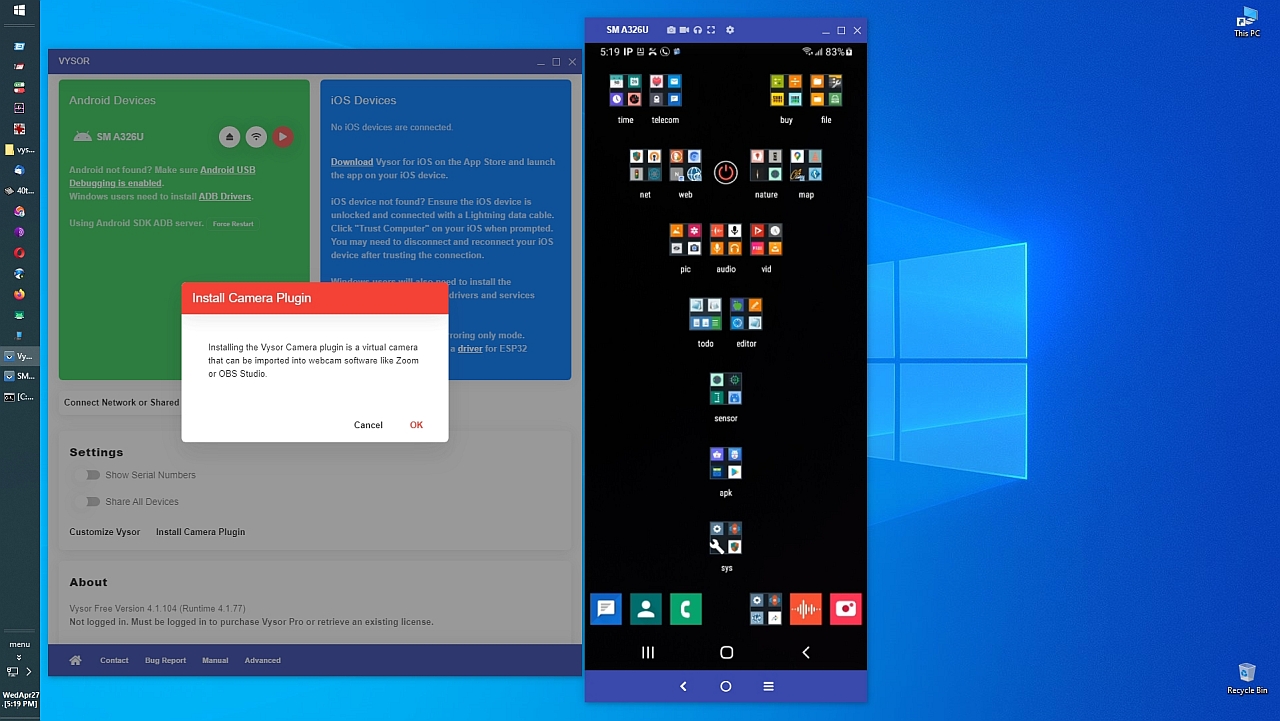
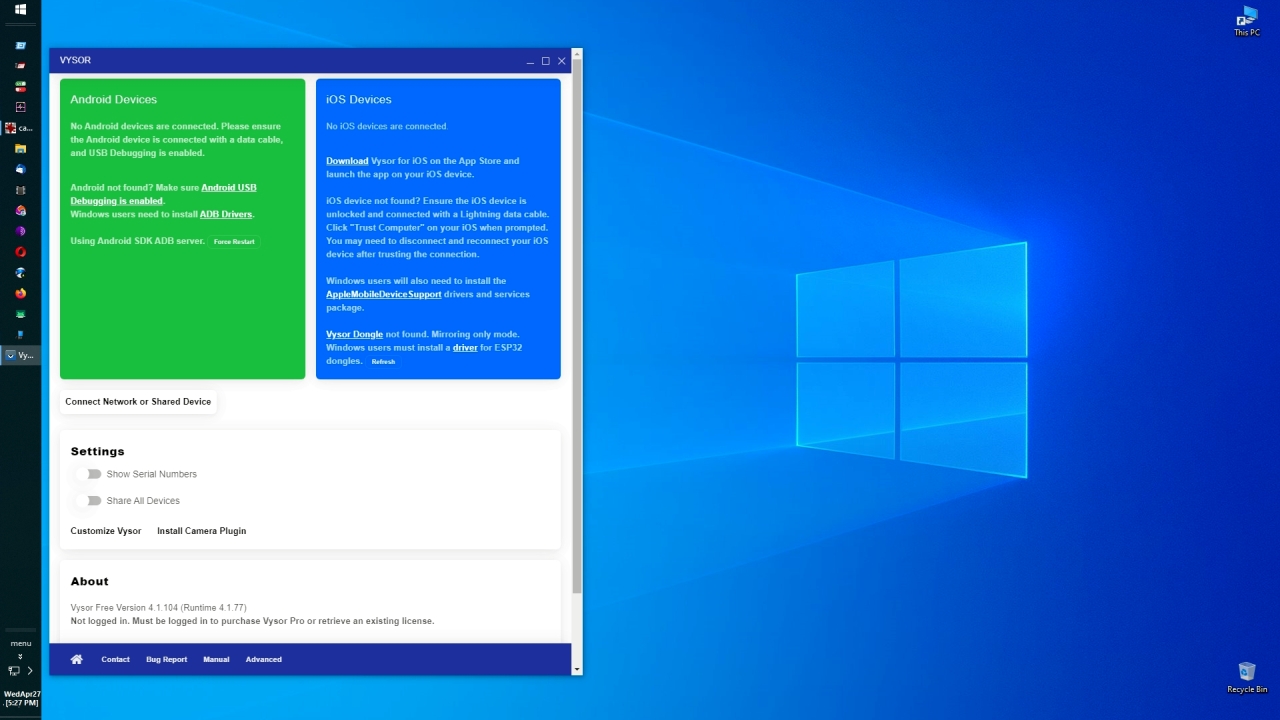
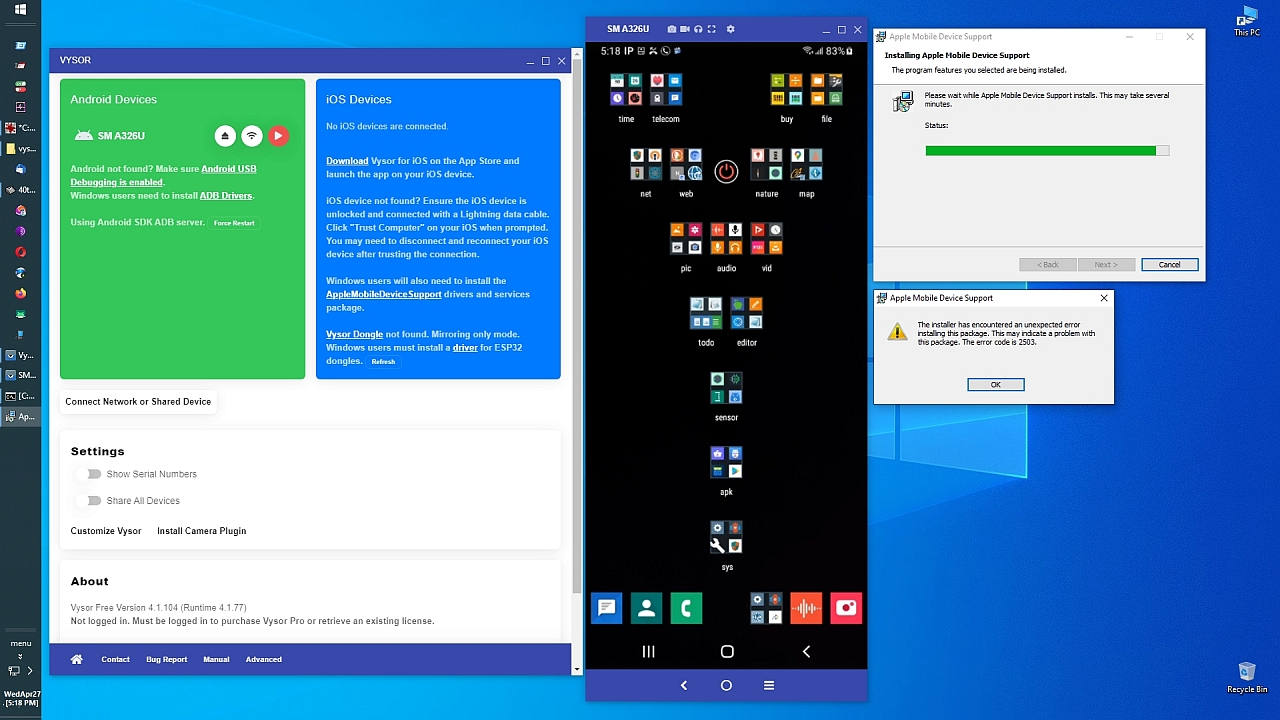
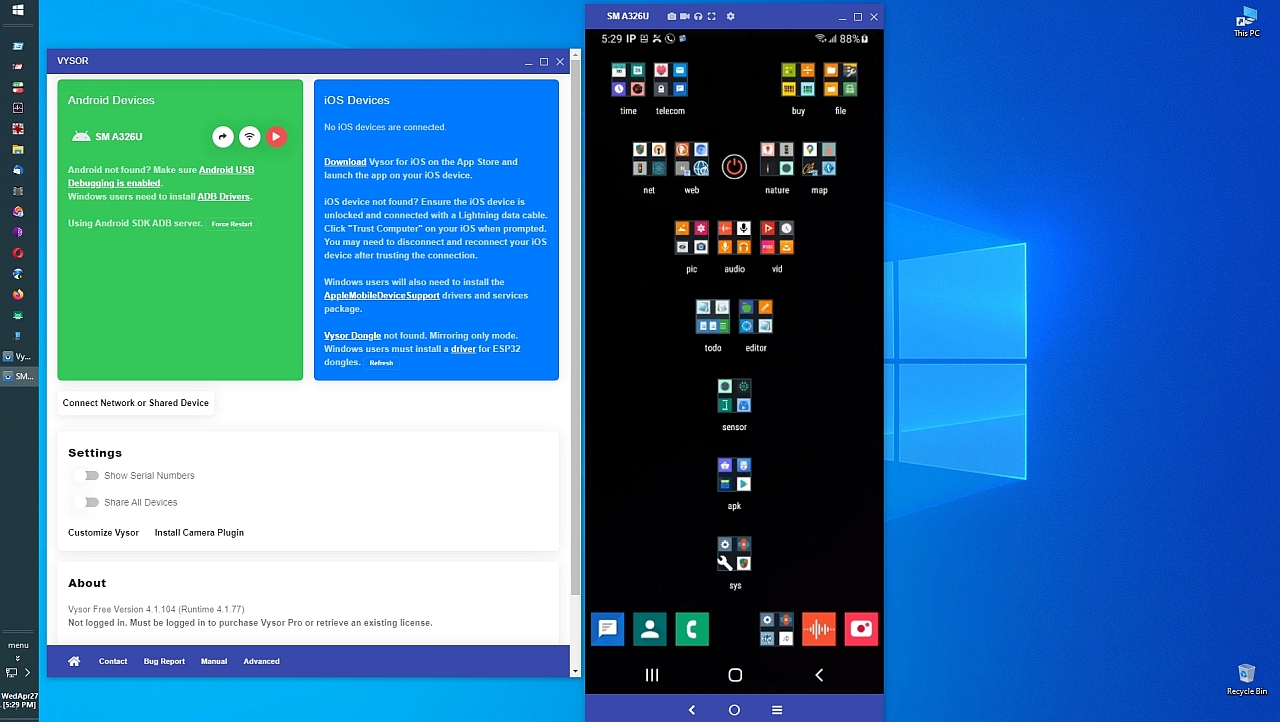
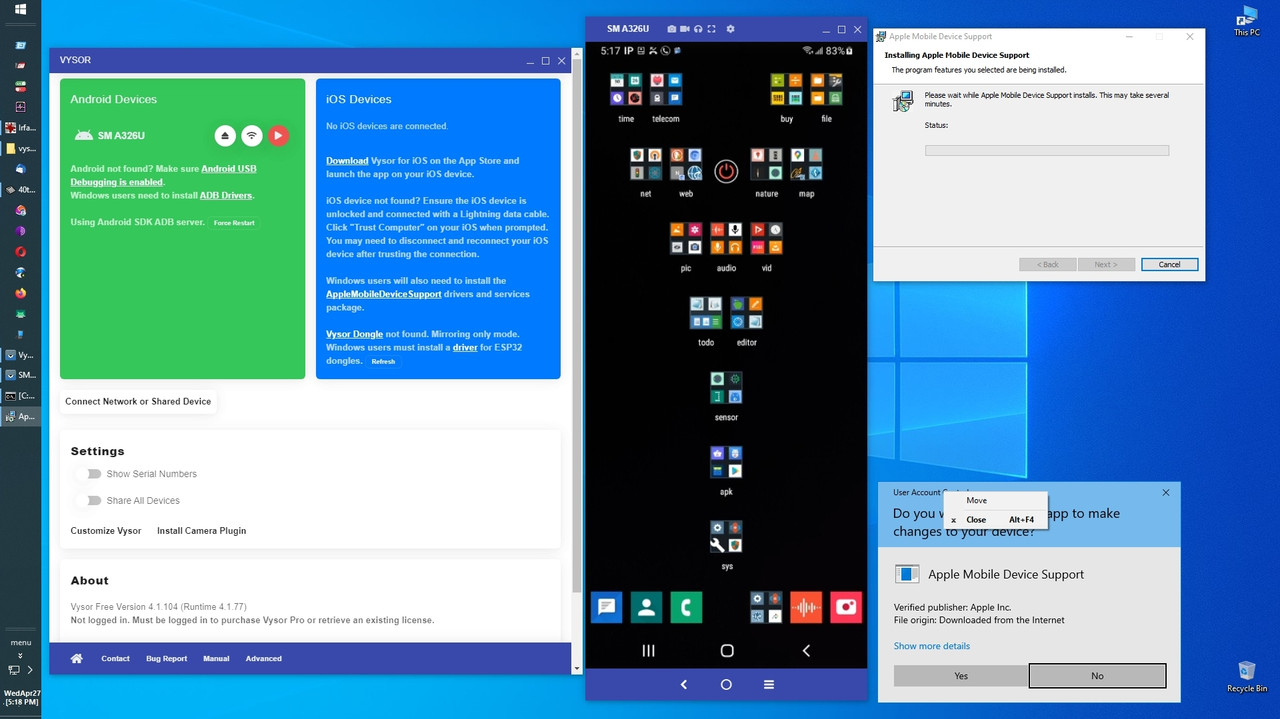
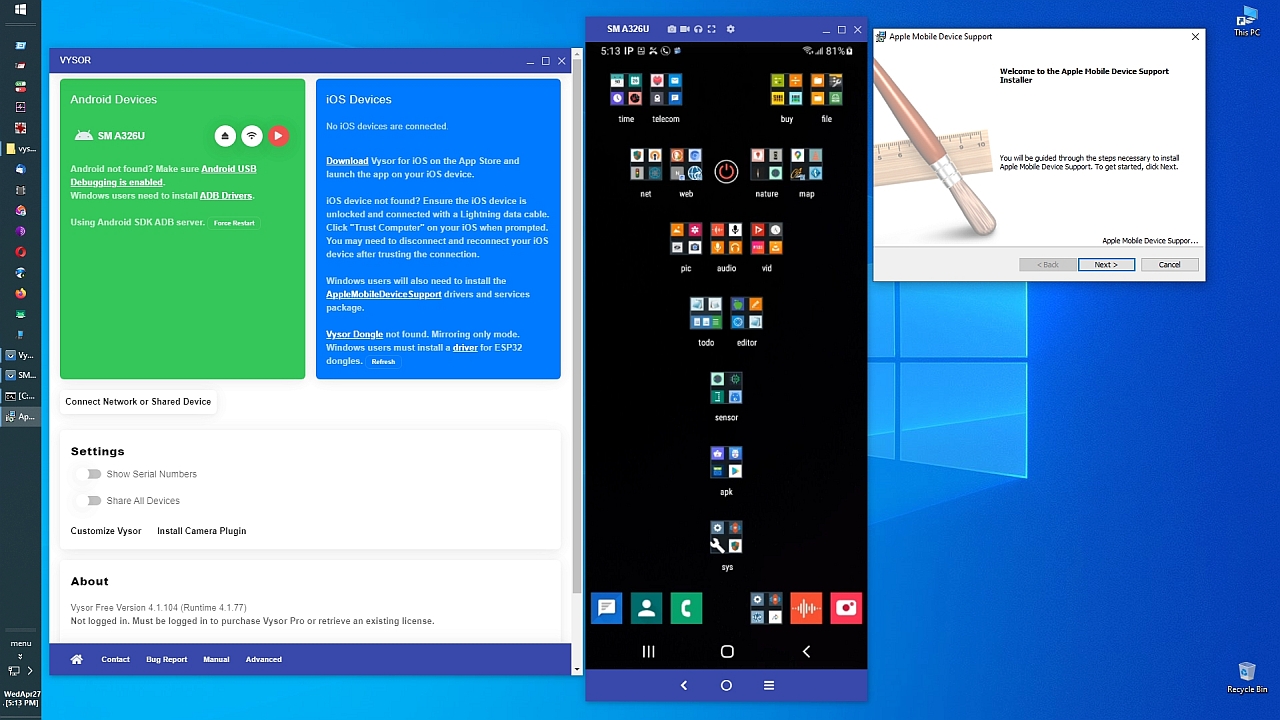
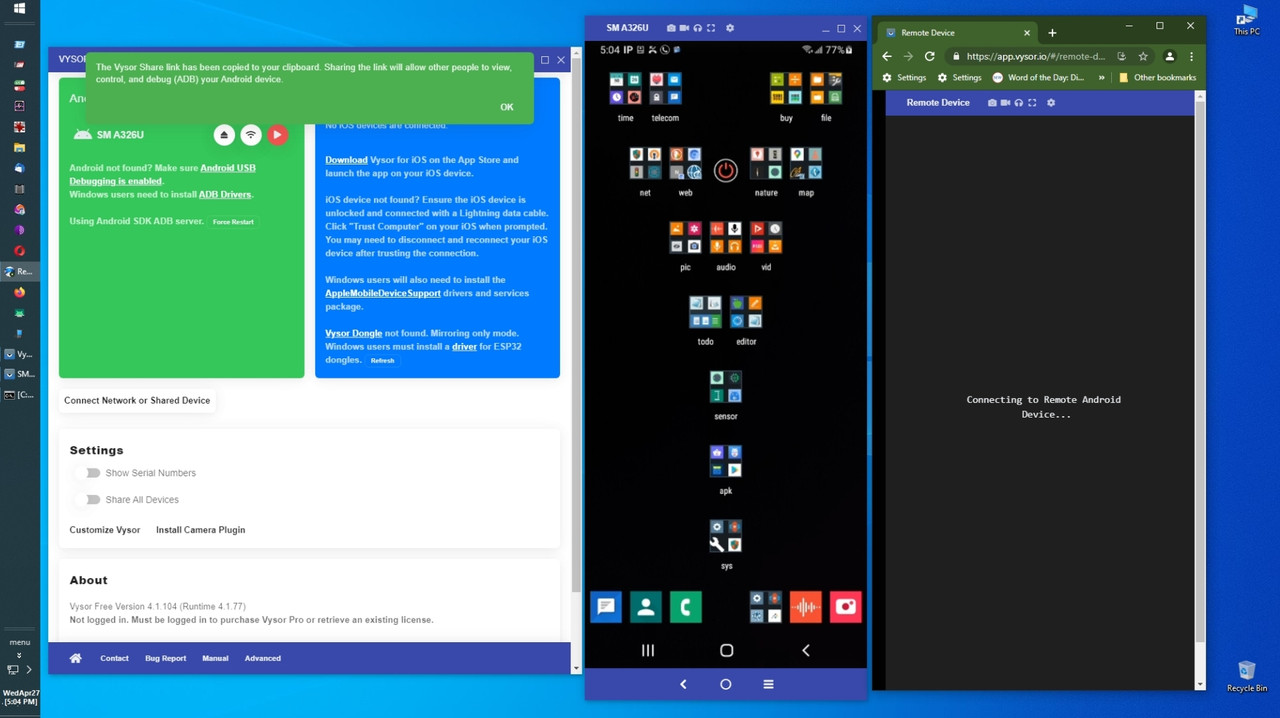
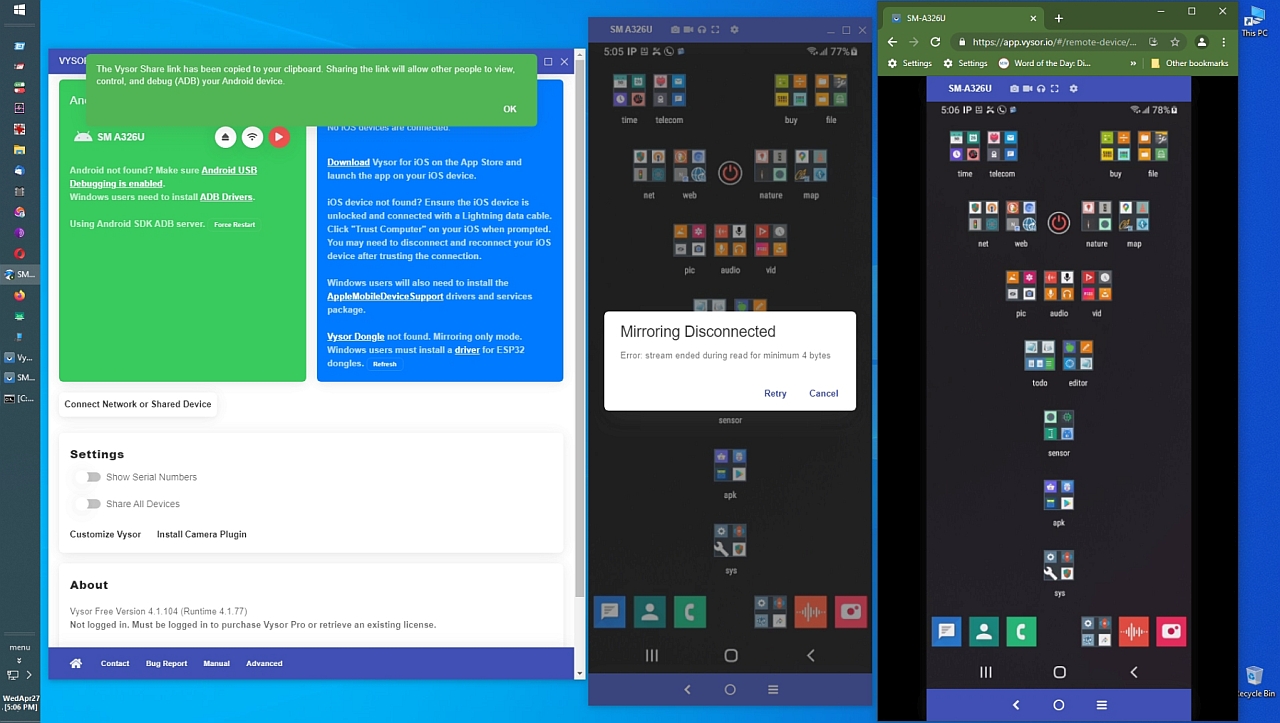
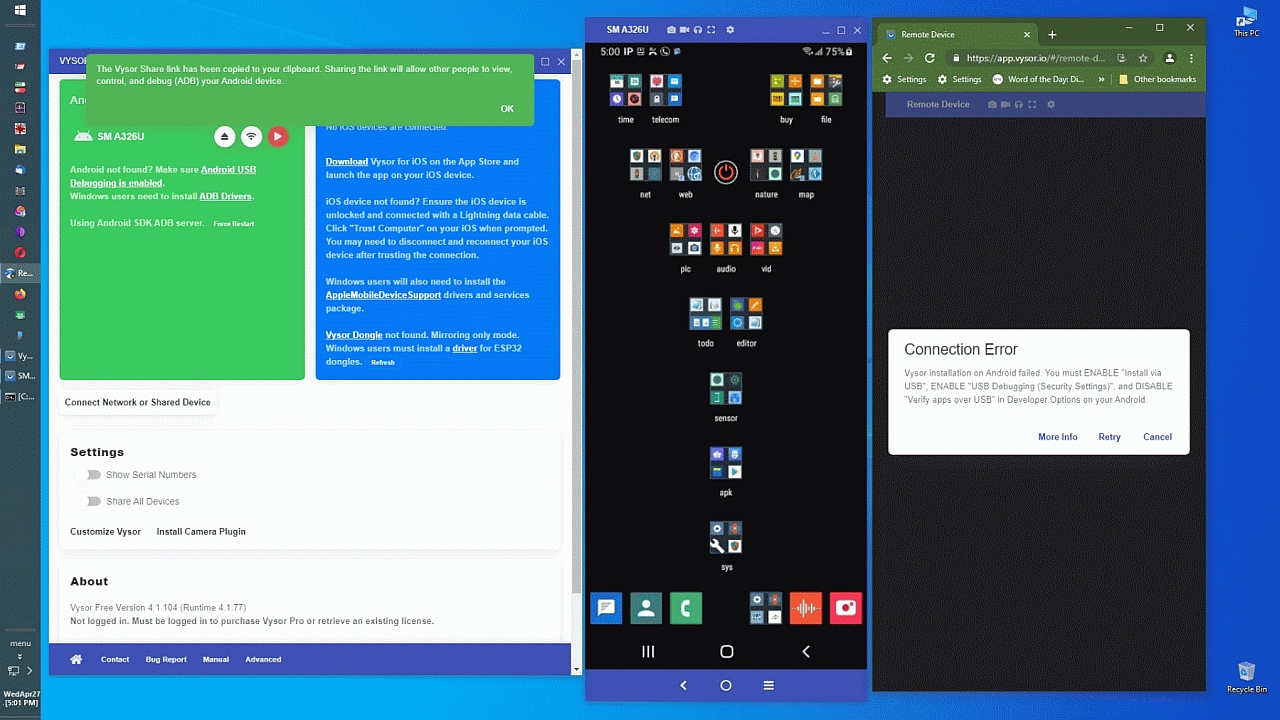
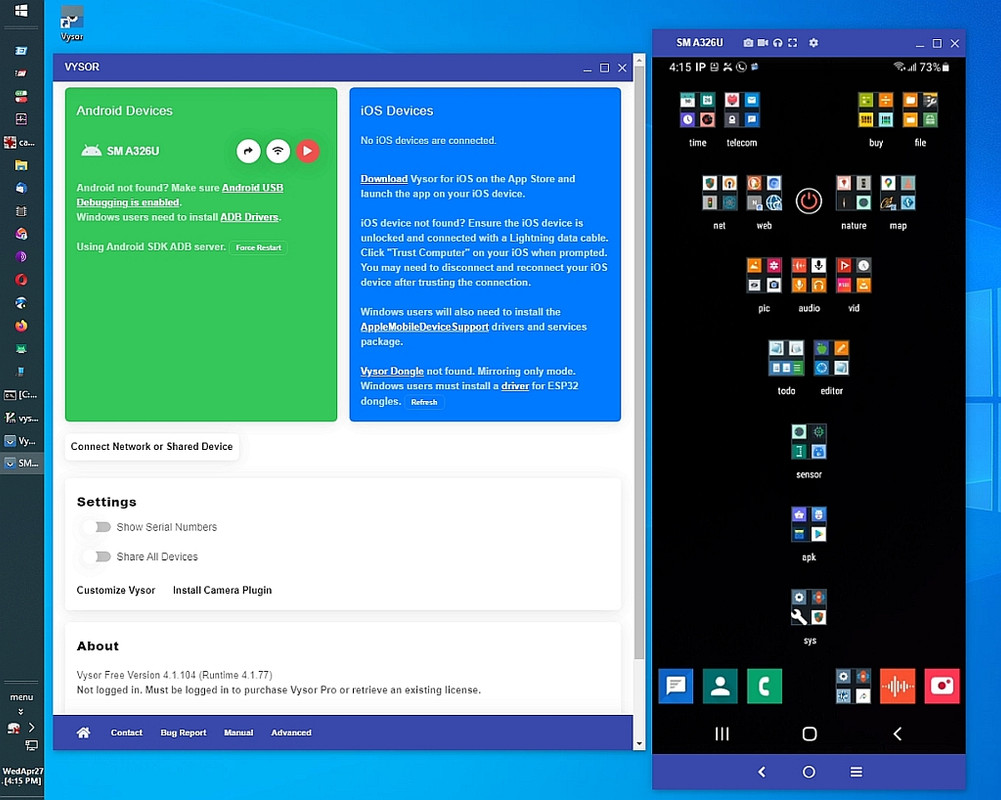
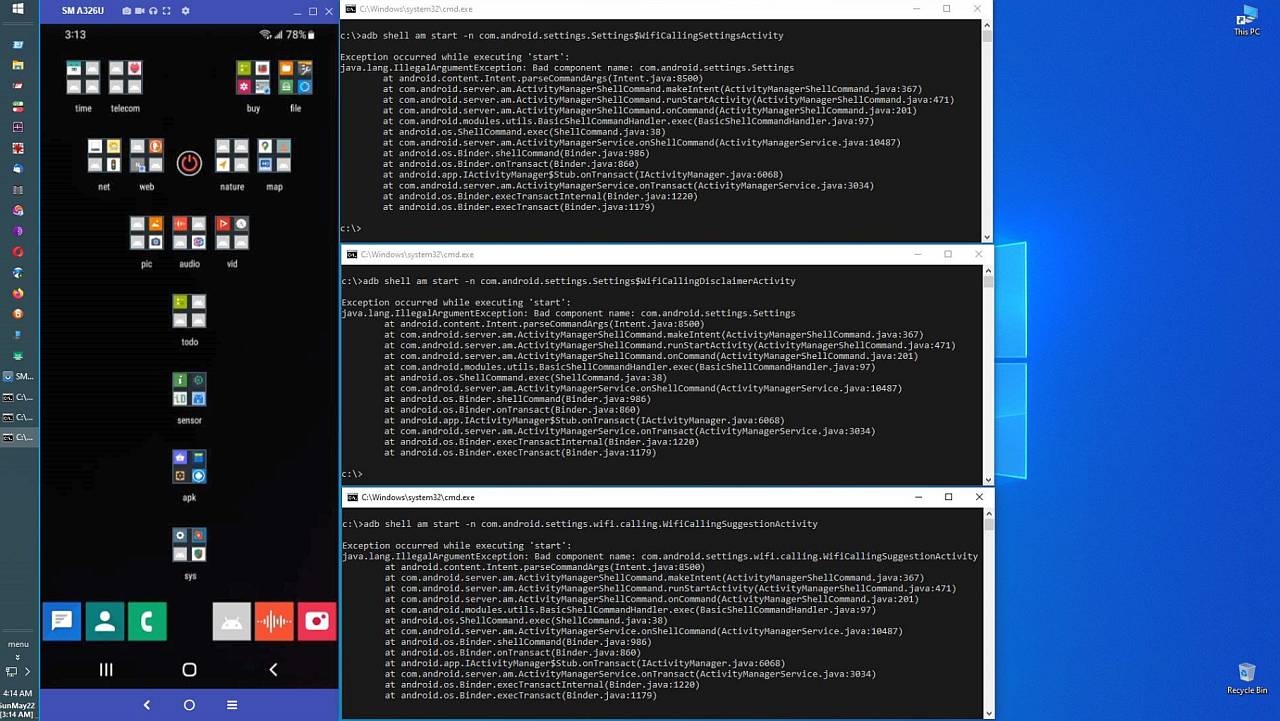
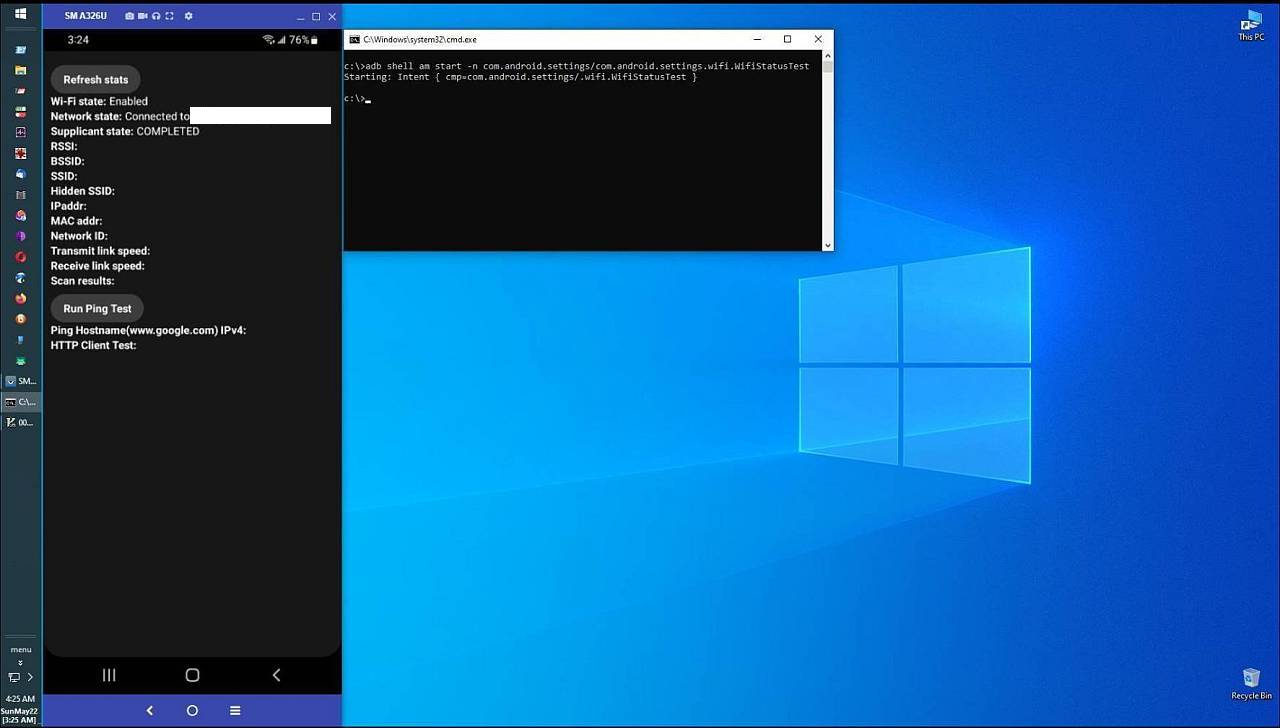
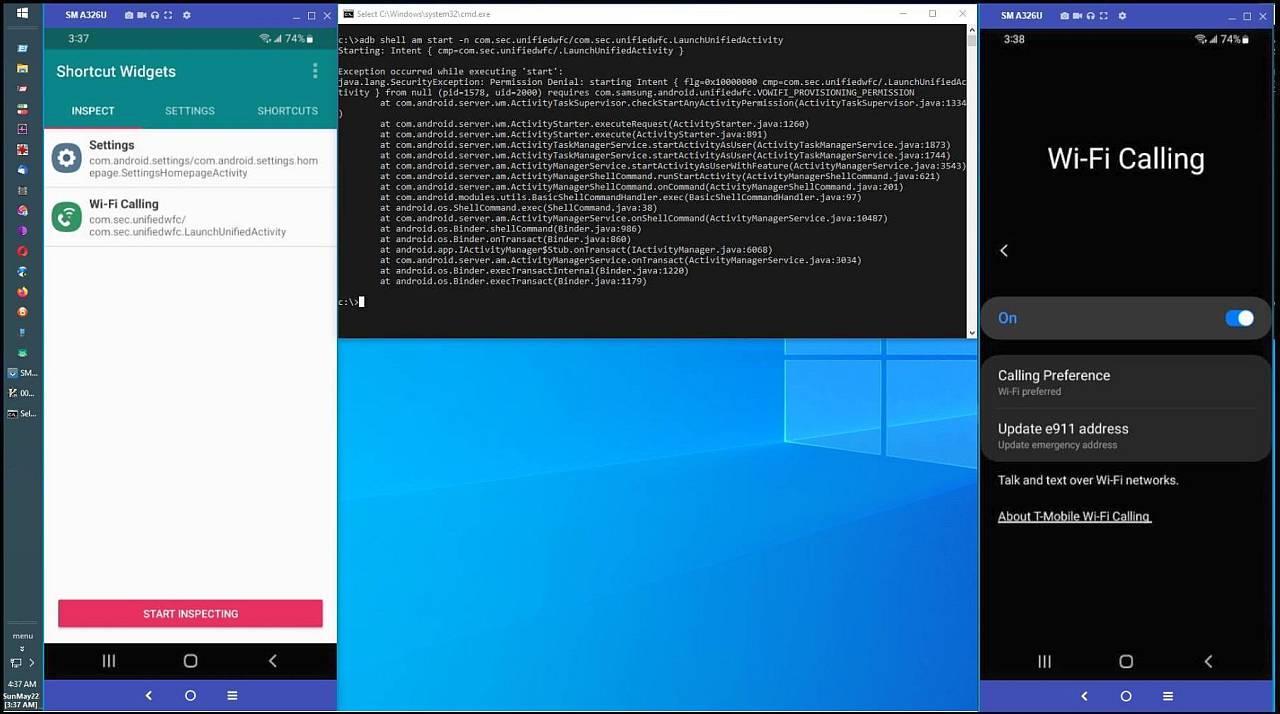
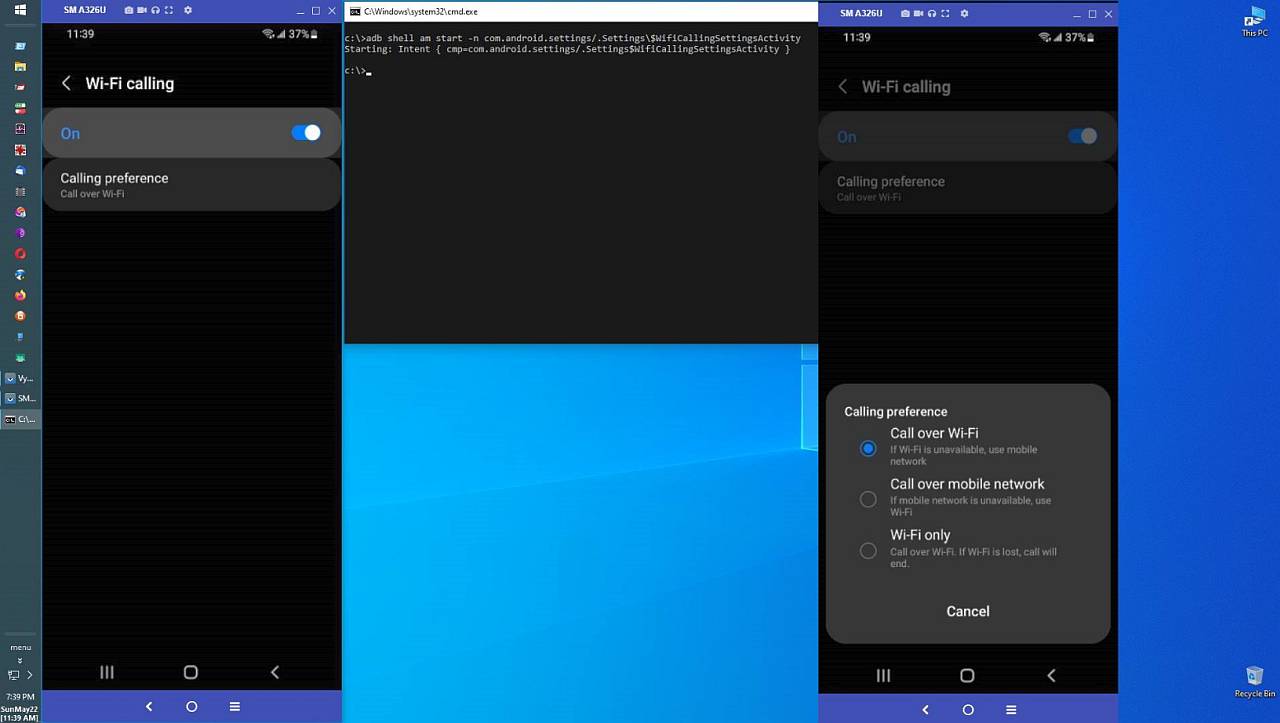
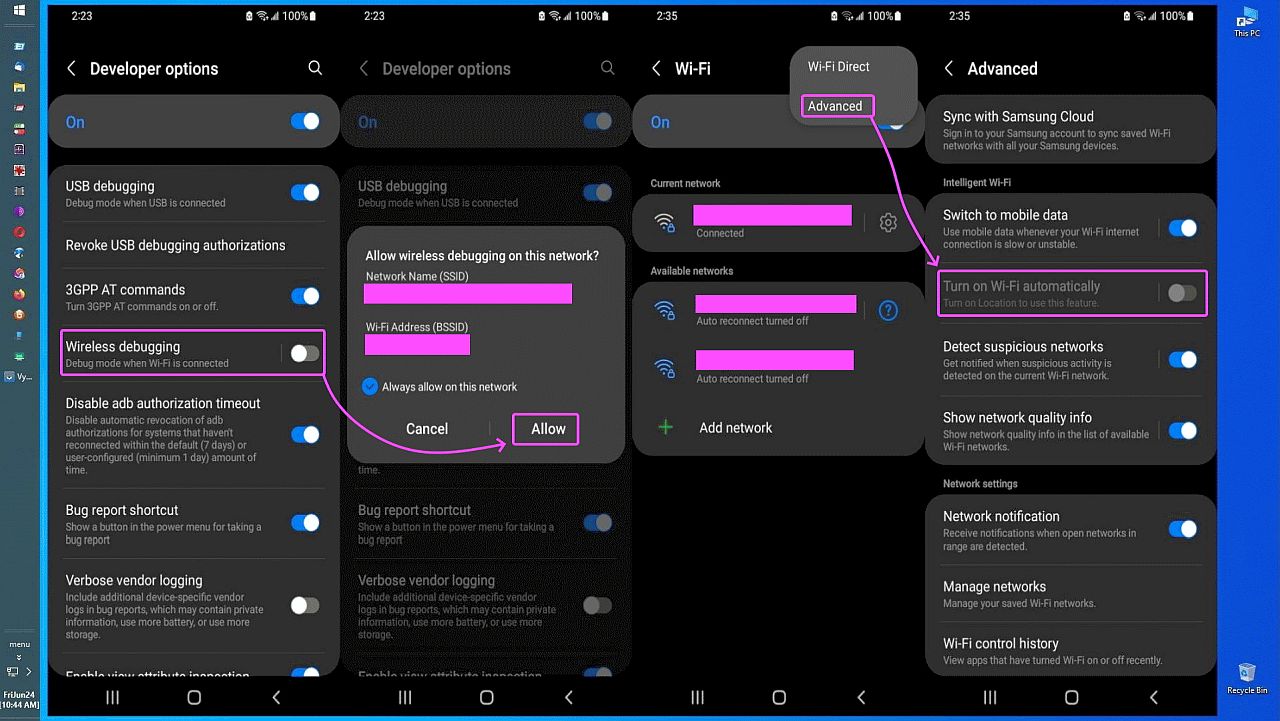
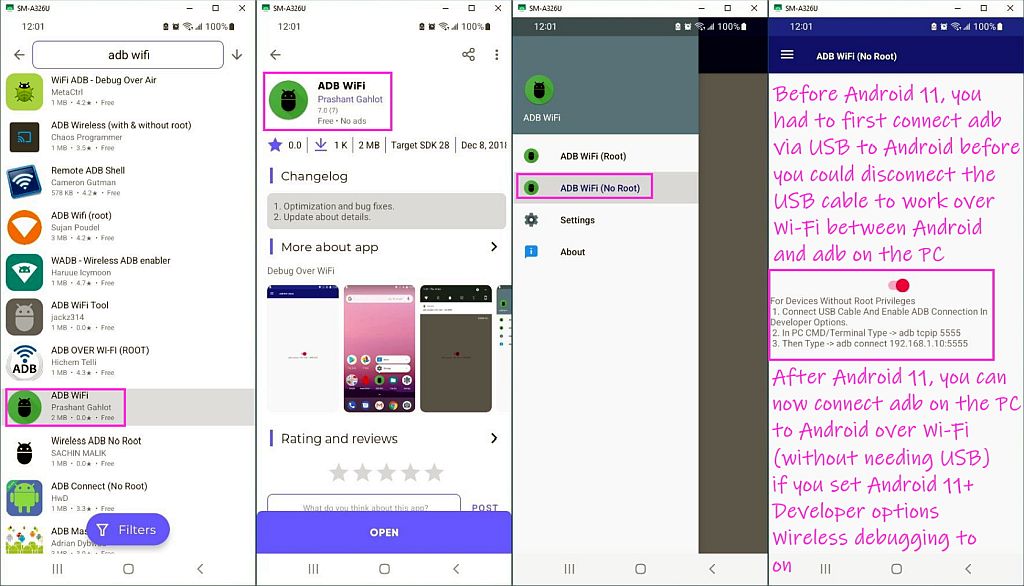
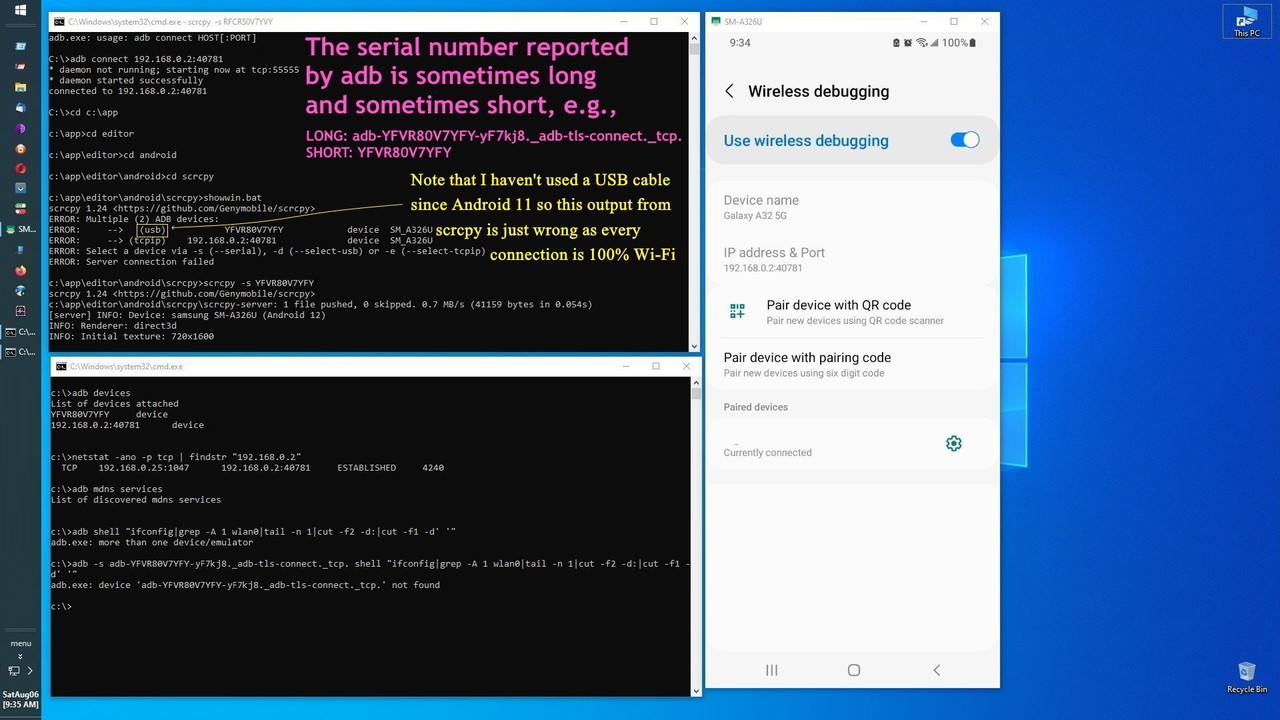
There are, of course, a billion options, but this is a quickie for all.
And there is the old-school way of using adb connect 192.168.1.2:5555
There are three ways to connect your phone to your PC to control it from
the PC (& which can makes the phone as tall & as wide as your monitor is).
PSA:
How to mirror modern Android onto your PC using scrcpy & adb over Wi-Fi (Works on Android 11 and up)
Windows or Linux, this mirrors your phone on your PC monitor two feet tall. (The keyboard, mouse, clipboard, speakers all mirror Android over Wi-Fi).
1. Connect your phone to the LAN
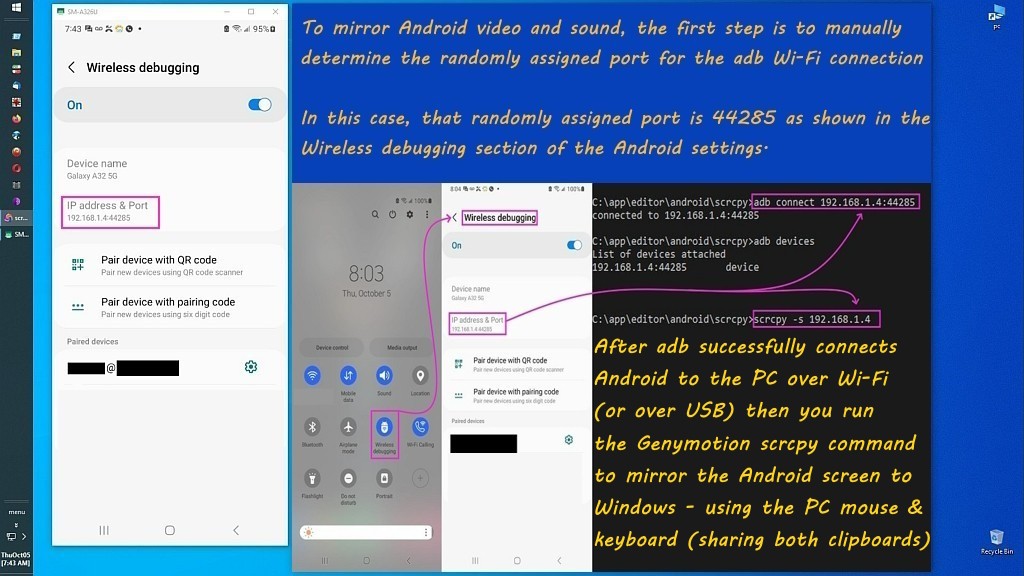
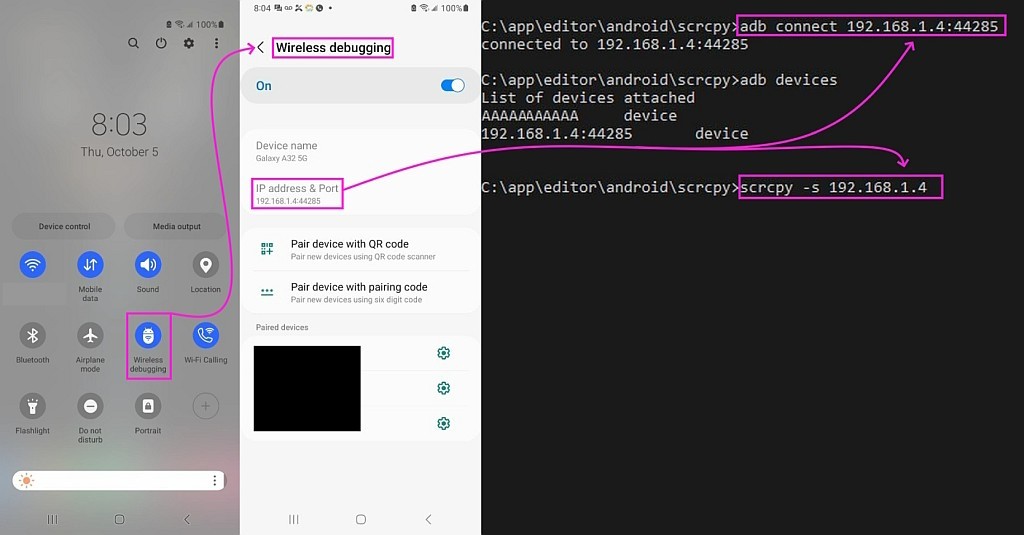
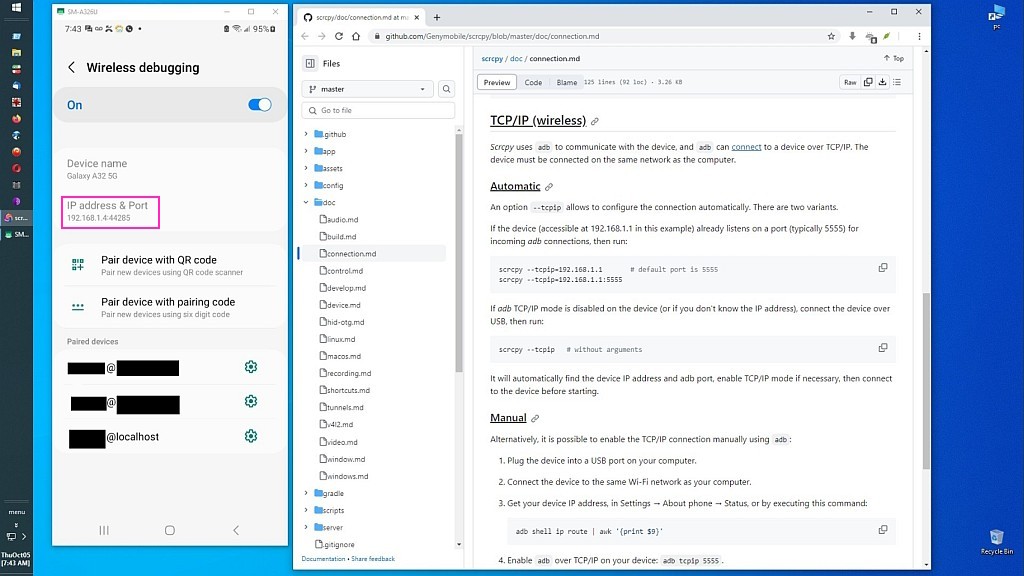
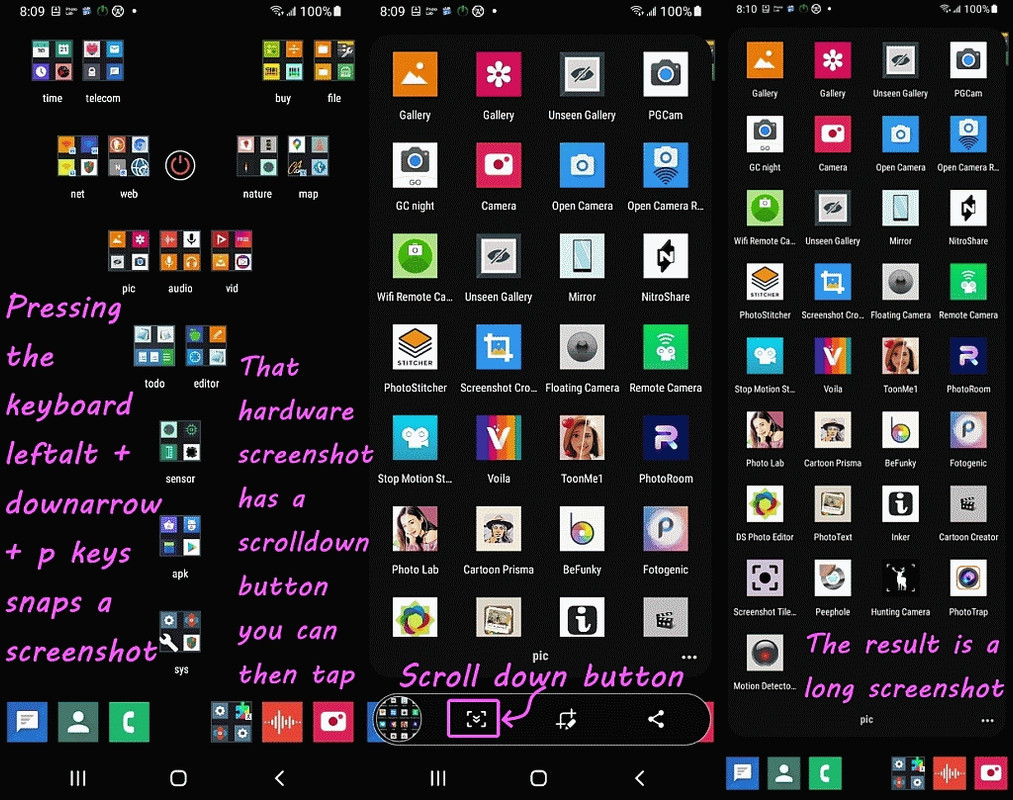
2. Longpress the Wireless Debugging tile at the top of your homescreen
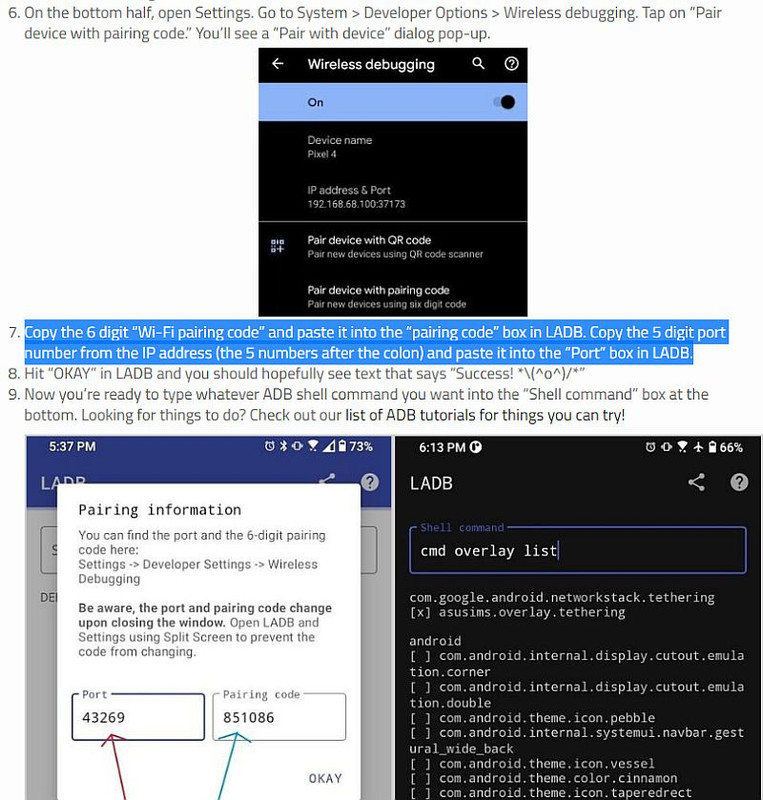
3. Note the "IP address & Port", for example
a. IP address (e.g., 192.168.1.2)
b. Connection Port (e.g., 46003)
3. Tap "Pair device with pairing code" to get another port & pairing code
a. IP address (e.g., 192.168.1.2)
b. Pairing Port (e.g., 40005)
c. Pairing code (e.g., 450824)
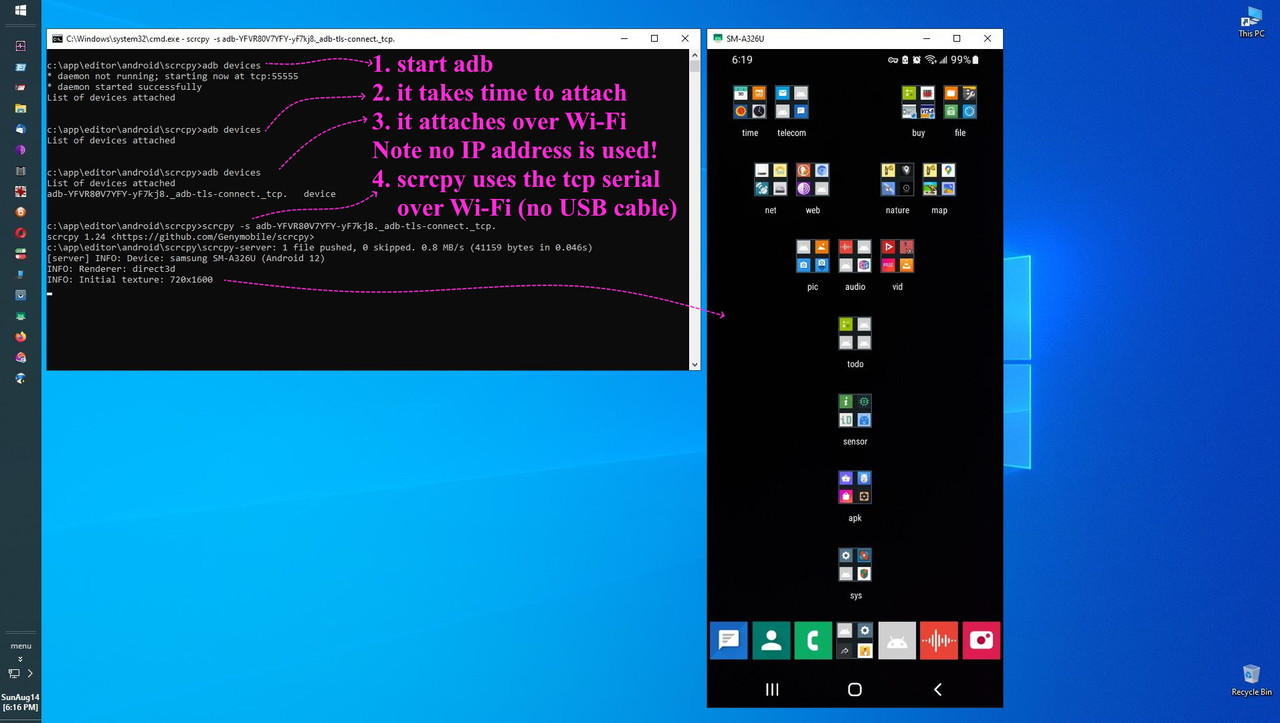
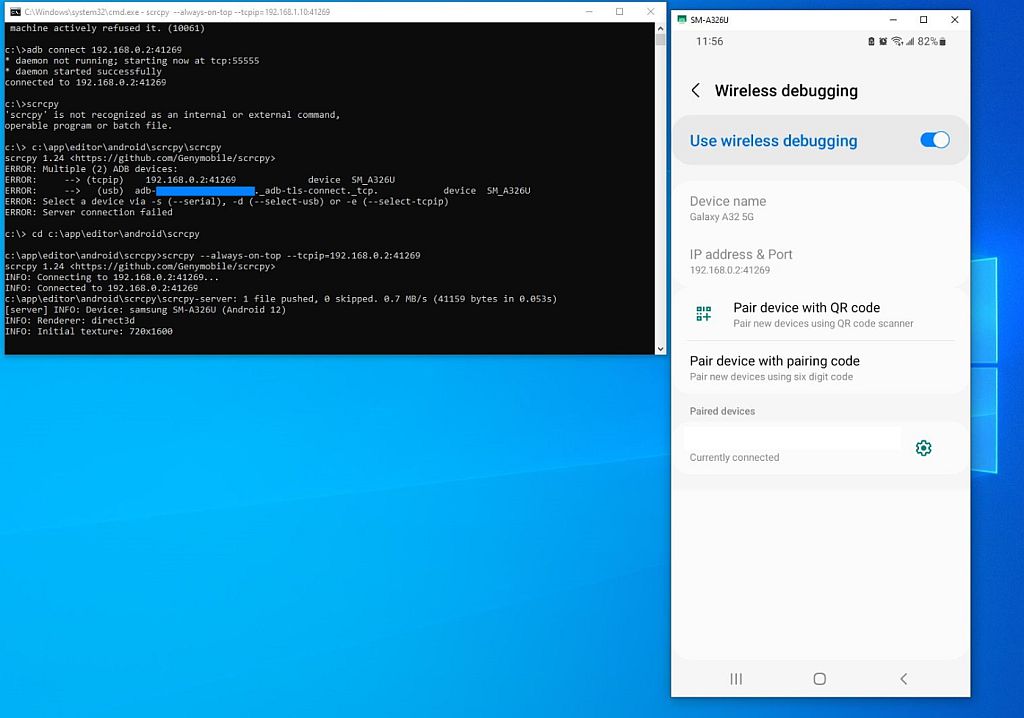
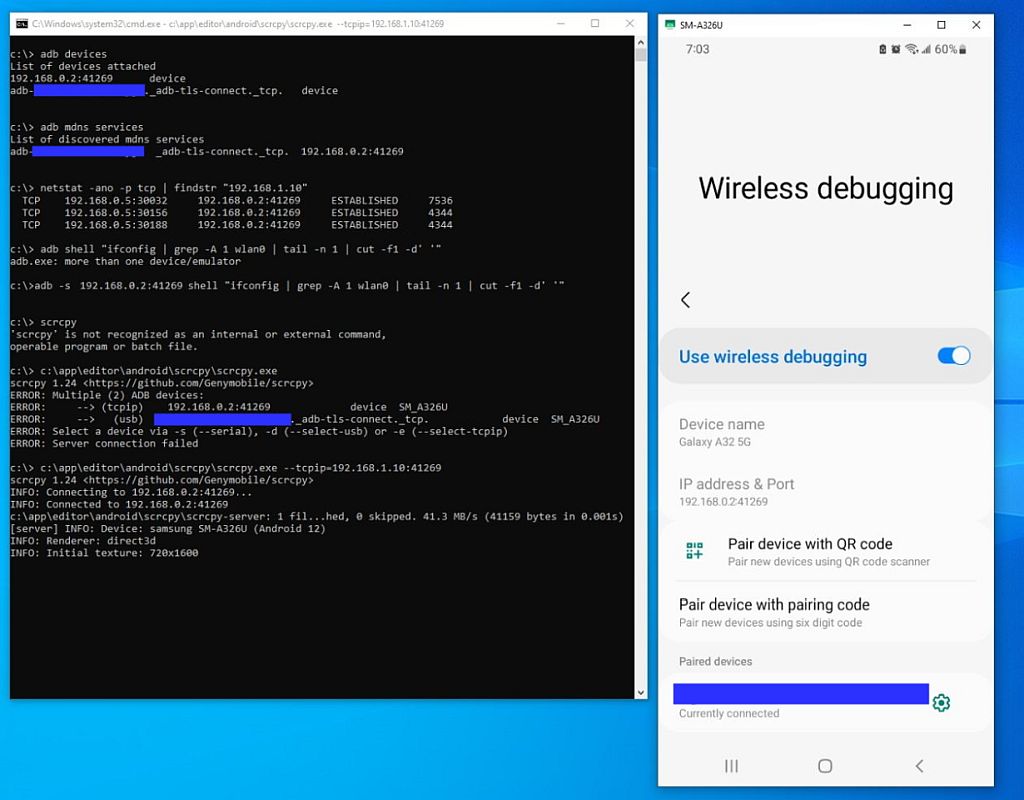
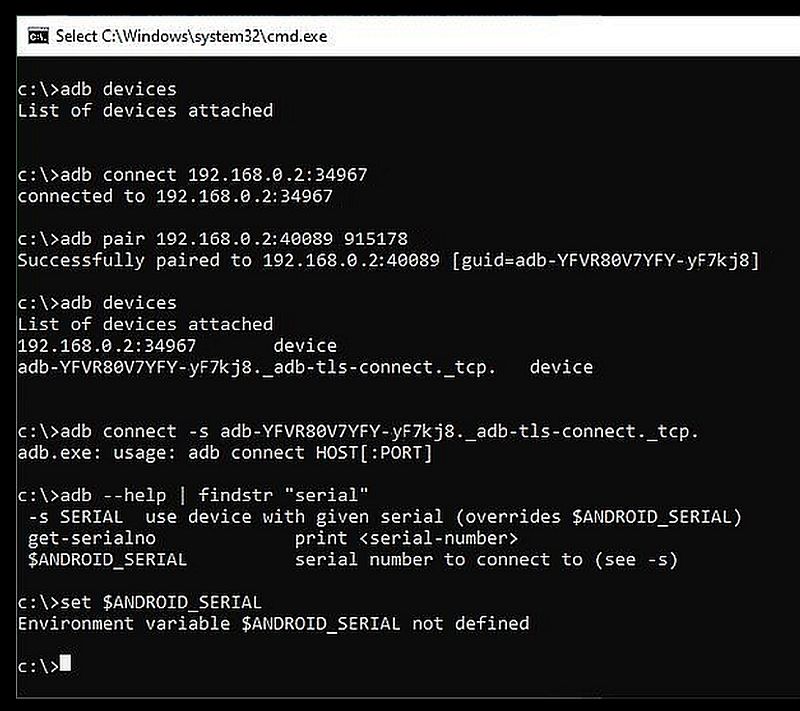
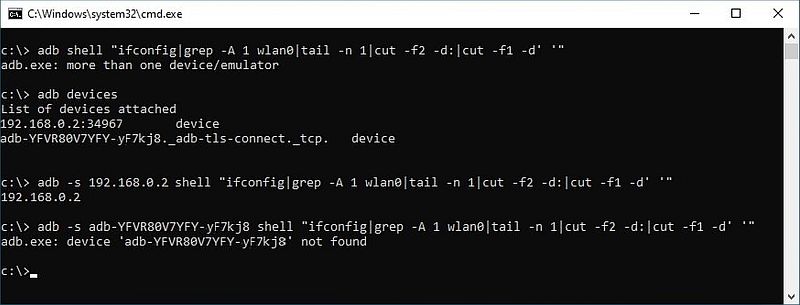
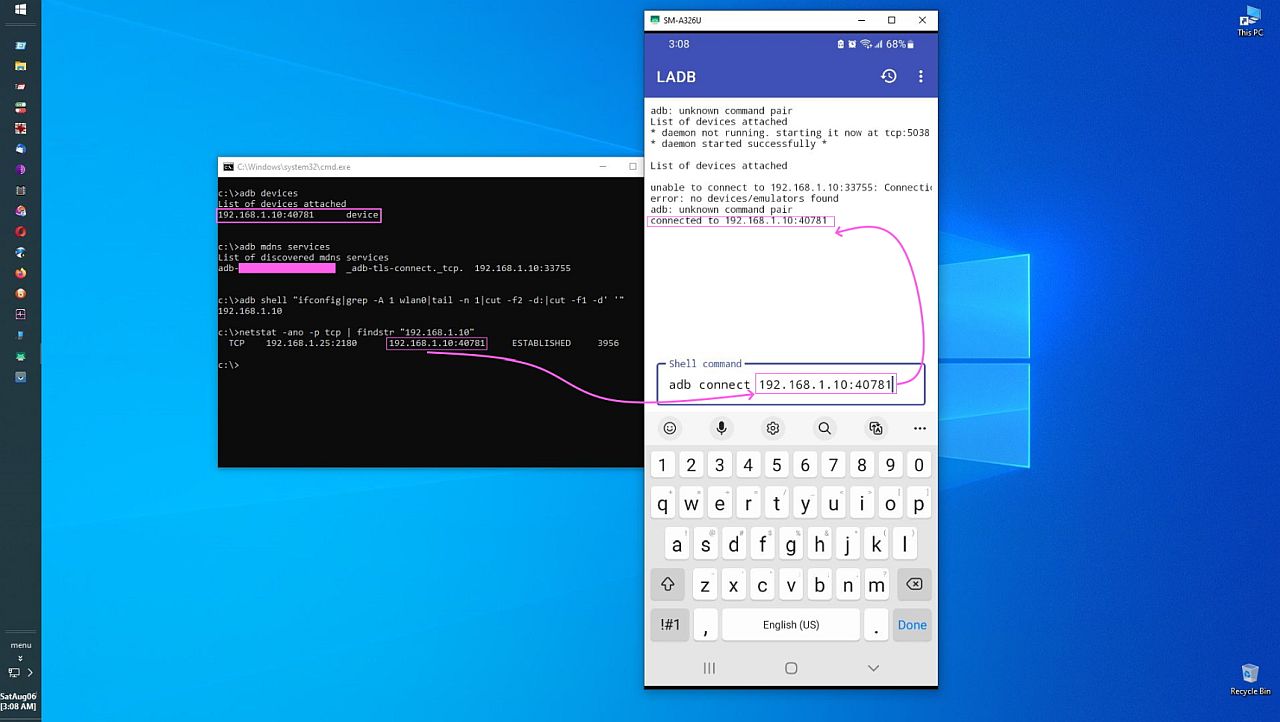
4. Pair & connect:
adb pair 192.168.1.2:40005 450824
adb connect 192.168.1.2:46003
5. Run scrcpy without leaving an unusable console behind:
Windows: scrcpy-noconsole.vbs (see below)
Linux: mirror (see below)
6. That mirrors Android on your monitor while using the PC mouse, keyboard,
speakers & clipboard to control the device full-height on your monitor.
For Linux, this mirrors Android thereafter without the console locking up:
alias mirror ='scrcpy --keyboard=sdk --always-on-top &'
This is the default Windows scrcpy-noconsole.vbs shipped with scrcpy.
strCommand = "cmd /c scrcpy.exe"
For Each Arg In WScript.Arguments
strCommand = strCommand & " """ & replace(Arg, """", """""""""") & """"
Next
CreateObject("Wscript.Shell").Run strCommand, 0, false
I modified it slightly to reduce one step when using the Android keyboard.
' strCommand = "cmd /c scrcpy.exe"
strCommand = "cmd /c scrcpy.exe --keyboard=sdk --always-on-top"
For Each Arg In WScript.Arguments
strCommand = strCommand & " """ & replace(Arg, """", """""""""") & """"
Next
CreateObject("Wscript.Shell").Run strCommand, 0, false
There is minor one-time setup, such as turning on Developer Options in the phone to enable "USB debugging" & "Wireless debugging" & adding the wireless-debugging tile which you do only once in the life of the phone.
Note once you have paired a device, you usually only need the adb connect command in the future, especially with a static IP address.
adb connect
scrcpy-noconsole.vbs (for Windows)
mirror (for Linux
There are, of course, a billion options, but this is a quickie for all.
And there is the old-school way of using adb connect 192.168.1.2:5555
Maria Sophia wrote:
There are, of course, a billion options, but this is a quickie for all.
And there is the old-school way of using adb connect 192.168.1.2:5555
If you're tapping on your phone while at your desk, you're not efficient.
There are three ways to connect your phone to your PC to control it from
the PC (& which can makes the phone as tall & as wide as your monitor is).
1. Wi-Fi
2. USB
3. Hybrid USB + Wi-Fi
We covered the Wi-Fi steps prior, which work only on Android 11+.
The USB method is the simplest (and most reliable) overall.
a. Connect the phone to the PC via USB
b. adb devices--
c. scrcpy --always-on-top --full-screen --stay-awake --keyboard=sdk
For all Android versions, including older Android, there's a half-and-half
a. Connect the phone to the PC via USB
b. adb tcpip 5555
c. adb connect 192.168.1.2:5555
d. scrcpy --always-on-top --full-screen --stay-awake --keyboard=sdk
In my humblest of opinions, if you're at your PC, there's no reason to
touch the phone in order to do whatever it is that you want to do with it.
Note there are a billion scrcpy options, so those are just examples.
I can get as far as #3 and can get IP address, port and pairing code
But I don't understand #4 - Pair and connect
Where are the adb pair and adb connect commands entered - on the phone
(if so where?) or on the PC (if so where). My PC doesn't seem to
understand the command 'adb' when entered at a command prompt!
The USB method is the simplest (and most reliable) overall.
a. Connect the phone to the PC via USB
a.1. find the USB driver. discover it needs a newer os than you have.
cry.
discover it keeps trying to load something that it can't find
when you try to charge the phone from your PC EVERY TIME
DNAMHIKT.
a.1. find the USB driver. discover it needs a newer os than you have.
cry.
On Tue, 12 May 2026 13:00:47 +0100, Kerr-Mudd, John wrote:
a.1. find the USB driver. discover it needs a newer os than you have.
cry.
Doesn’t your OS have a proper USB stack built-in?
USB also has two code points for "custom". It's
always had that. If such a device shows up, then
the driver must be included by the company selling it.
On Wed, 5/13/2026 12:37 AM, Lawrence D’Oliveiro wrote:
On Tue, 12 May 2026 13:00:47 +0100, Kerr-Mudd, John wrote:
a.1. find the USB driver. discover it needs a newer os than you have.
cry.
Doesn’t your OS have a proper USB stack built-in?
Does every USB device follow standards ?
The answer is NO. There is at least one device
family that "just did what it felt like".
USB also has two code points for "custom". It's
always had that. If such a device shows up, then
the driver must be included by the company selling it.
The other drivers are Class drivers and include a
set of quirks. Both Linux and Windows do that. Gather up all
the crappy, close to standard devices, any behavioral
quirks are captured in code. If your eTron or Fresco host
misbehaves, there is code for that. You will notice for
some of the SmartPhones, the manufacturer didn't even
get their hands dirty, and MCCI wrote the driver under
contract. MCCI even wrote the driver for some of the
Asmedia chips (various USB hosts, who knows, even the
USB4 stuff might be like that now).
The smartphone is a USB OTG interface, capable of acting
as a host or as a peripheral. What I've been able to
ascertain by looking at the drivers, is they look
like they might be for that purpose, for dealing with
an OTG device. It's a framework driver of some sort
(a wrapper to be used by a developer to package their goods),
and likely in WinXP era, those drivers were there
for a reason, now they might be getting close to being
Intel-style "null" drivers (add a text string to your
Device Manager display).
A person using UsbTreeView may be able to look
at the config space of their SmartPhone and tell
you more. I don't have a SmartPhone so cannot comment
further on what is in there.
https://www.uwe-sieber.de/usbtreeview_e.html
On Wed, 5/13/2026 12:37 AM, Lawrence D’Oliveiro wrote:
On Tue, 12 May 2026 13:00:47 +0100, Kerr-Mudd, John wrote:
a.1. find the USB driver. discover it needs a newer os than you have.
cry.
Doesn’t your OS have a proper USB stack built-in?
Does every USB device follow standards ? The answer is NO. There is
at least one device family that "just did what it felt like".
On Wed, 13 May 2026 05:08:35 -0400, Paul wrote:
On Wed, 5/13/2026 12:37 AM, Lawrence D’Oliveiro wrote:
On Tue, 12 May 2026 13:00:47 +0100, Kerr-Mudd, John wrote:
a.1. find the USB driver. discover it needs a newer os than you have.
cry.
Doesn’t your OS have a proper USB stack built-in?
Does every USB device follow standards ? The answer is NO. There is
at least one device family that "just did what it felt like".
Still, we are talking about Android phones. When I was first learning
about Android development over a decade ago, I discovered that
Microsoft Windows needs a special USB driver to connect the developer
tools to an Android phone, while Linux does not.
It appears that is still true today.
On Wed, 13 May 2026 05:08:35 -0400, Paul wrote:
On Wed, 5/13/2026 12:37 AM, Lawrence D’Oliveiro wrote:
On Tue, 12 May 2026 13:00:47 +0100, Kerr-Mudd, John wrote:
a.1. find the USB driver. discover it needs a newer os than you have.
cry.
Doesn’t your OS have a proper USB stack built-in?
Does every USB device follow standards ? The answer is NO. There is
at least one device family that "just did what it felt like".
Still, we are talking about Android phones. When I was first learning
about Android development over a decade ago, I discovered that
Microsoft Windows needs a special USB driver to connect the developer
tools to an Android phone, while Linux does not.
It appears that is still true today.
+----------------------------------------------------------------+
| User-mode ADB client (adb.exe) |
| „€ WinUSB API (WinUsb_*) --> winusb.sys |
+-------------------+--------------------------------------------+
|
v +----------------------------------------------------------------+
| USB Bus Driver Stack |
| usbhub.sys <-- usbport.sys (EHCI/UHCI/XHCI mini-port driver) |
+-------------------+--------------------------------------------+
|
v +----------------------------------------------------------------+
| Host Controller hardware (PCIe EHCI / XHCI) |
+----------------------------------------------------------------+
Device object created by the bus driver:
USB\VID_18D1&PID_4EE7&MI_01 <-- matches android_winusb.inf --> binds to winusb.sys
And on the phone:
dwc3 (USB gadget controller)
„€ configfs composite framework
†€ function_adb (class 0xFF, subclass 0x42, protocol 0x01)
� „€ bulk EP IN/OUT --> kernel FIFO --> /dev/android_adb socket
†€ function_mtp ...
„€ function_rndis ...
adbd daemon <-- reads/writes from /dev/android_adb and implements the ADB protocol
That is the precise technical picture of how an Android phone presents
an **ADB** interface to a Windows PC, what drivers are loaded on each
side, and how the different USB "modes" are realised by adding or
removing functions in the composite gadget.
On Wed, 5/13/2026 5:23 PM, Lawrence D’Oliveiro wrote:
In the WinXP era, the MTP driver "arrived" with a certain version of
On Wed, 13 May 2026 05:08:35 -0400, Paul wrote:
On Wed, 5/13/2026 12:37 AM, Lawrence D’Oliveiro wrote:
On Tue, 12 May 2026 13:00:47 +0100, Kerr-Mudd, John wrote:
a.1. find the USB driver. discover it needs a newer os than you
have. cry.
Doesn’t your OS have a proper USB stack built-in?
Does every USB device follow standards ? The answer is NO. There
is at least one device family that "just did what it felt like".
Still, we are talking about Android phones. When I was first
learning about Android development over a decade ago, I discovered
that Microsoft Windows needs a special USB driver to connect the
developer tools to an Android phone, while Linux does not.
It appears that is still true today.
Windows Media Player.
On Wed, 13 May 2026 22:53:58 -0400, Paul wrote:
On Wed, 5/13/2026 5:23 PM, Lawrence D’Oliveiro wrote:
In the WinXP era, the MTP driver "arrived" with a certain version of
On Wed, 13 May 2026 05:08:35 -0400, Paul wrote:
On Wed, 5/13/2026 12:37 AM, Lawrence D’Oliveiro wrote:
On Tue, 12 May 2026 13:00:47 +0100, Kerr-Mudd, John wrote:
a.1. find the USB driver. discover it needs a newer os than you
have. cry.
Doesn’t your OS have a proper USB stack built-in?
Does every USB device follow standards ? The answer is NO. There
is at least one device family that "just did what it felt like".
Still, we are talking about Android phones. When I was first
learning about Android development over a decade ago, I discovered
that Microsoft Windows needs a special USB driver to connect the
developer tools to an Android phone, while Linux does not.
It appears that is still true today.
Windows Media Player.
This is not about “the WinXP era”, nor about MTP.
On Wed, 13 May 2026 05:08:35 -0400, Paul wrote:
On Wed, 5/13/2026 12:37 AM, Lawrence D?Oliveiro wrote:
On Tue, 12 May 2026 13:00:47 +0100, Kerr-Mudd, John wrote:
a.1. find the USB driver. discover it needs a newer os than you have.
cry.
Doesn?t your OS have a proper USB stack built-in?
Does every USB device follow standards ? The answer is NO. There is
at least one device family that "just did what it felt like".
Still, we are talking about Android phones. When I was first learning
about Android development over a decade ago, I discovered that
Microsoft Windows needs a special USB driver to connect the developer
tools to an Android phone, while Linux does not.
It appears that is still true today.
Lawrence D?Oliveiro <ldo@nz.invalid> wrote:
On Wed, 13 May 2026 05:08:35 -0400, Paul wrote:
On Wed, 5/13/2026 12:37 AM, Lawrence D?Oliveiro wrote:
On Tue, 12 May 2026 13:00:47 +0100, Kerr-Mudd, John wrote:
a.1. find the USB driver. discover it needs a newer os than you have. >>>>> cry.
Doesn?t your OS have a proper USB stack built-in?
John was (implicitly) talking about Windows *XP*! See the
'Followup-To: alt.comp.os.windows-xp' in his May 13 response.
Does every USB device follow standards ? The answer is NO. There is
at least one device family that "just did what it felt like".
Still, we are talking about Android phones. When I was first learning
about Android development over a decade ago, I discovered that
Microsoft Windows needs a special USB driver to connect the developer
tools to an Android phone, while Linux does not.
It appears that is still true today.
Nope, it isn't! While it isn't "over a decade ago", I did some adb
work in June 2019 on Windows 8.1 and I didn't need "a special USB
driver".
(My notes specifically say that I did not install the device drivers
which were part of the "15 seconds ADB Installer" package (<https://xdaforums.com/t/official-tool-windows-adb-fastboot-and-drivers-15-seconds-adb-installer-v1-4-3.2588979/>)).
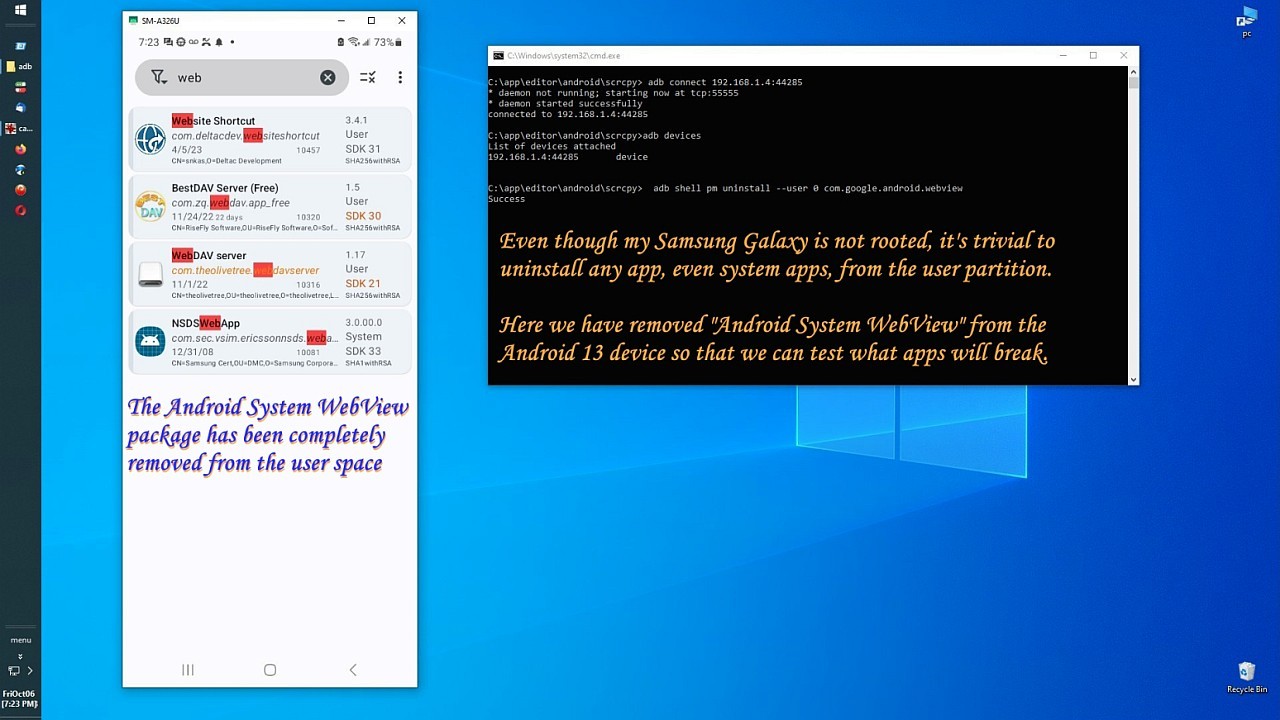
Yet, to bring it back, all I had to do was put it back, since system
packages usually can't be fully removed in an unrootable USA
Samsung.
On Sun, 17 May 2026 11:13:16 -0600, Maria Sophia wrote:
Yet, to bring it back, all I had to do was put it back, since system
packages usually can't be fully removed in an unrootable USA
Samsung.
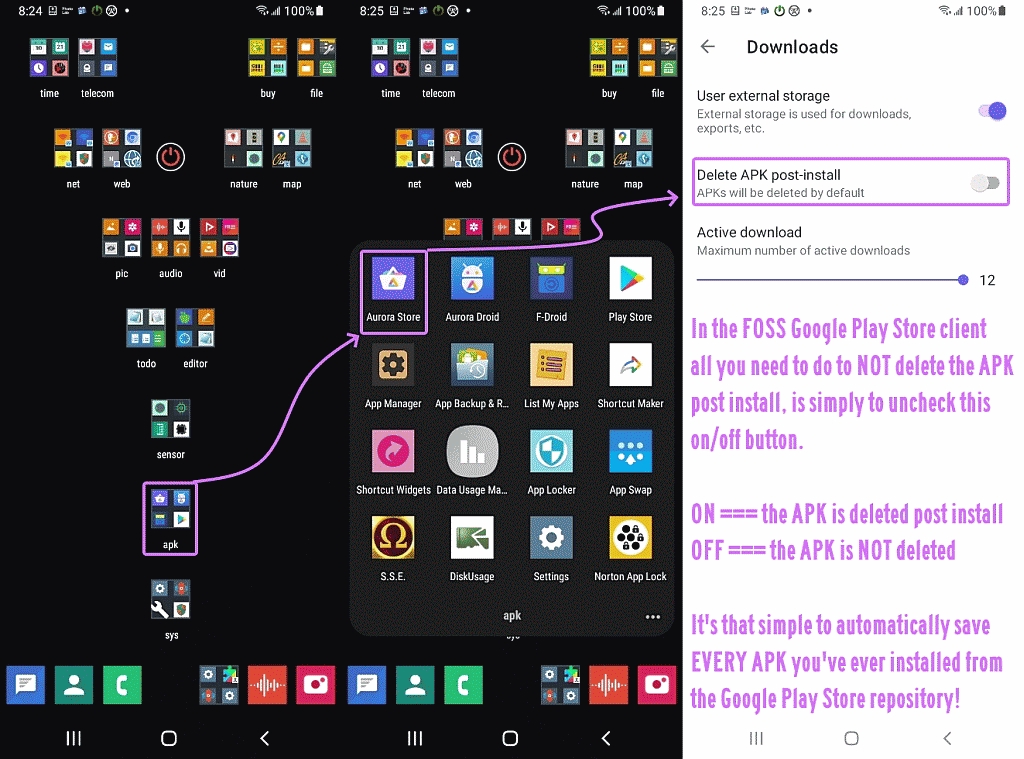
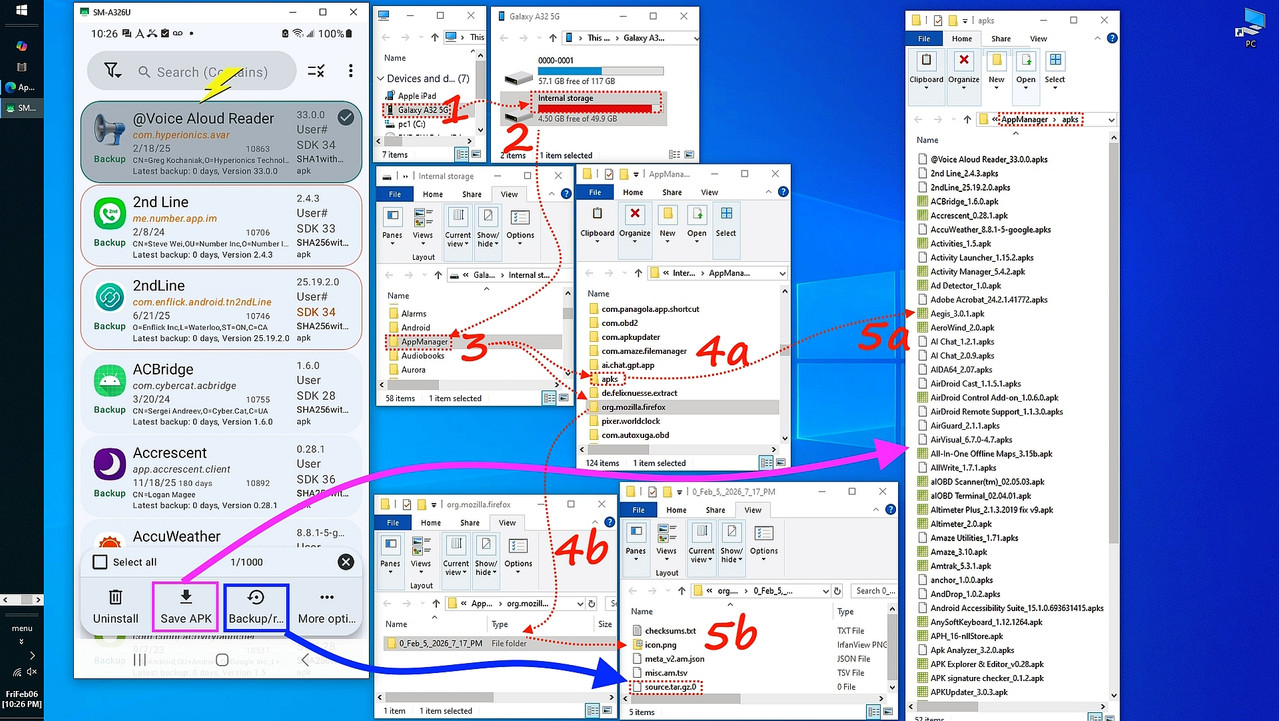
It's easy enough to back up the .apk files before messing around.
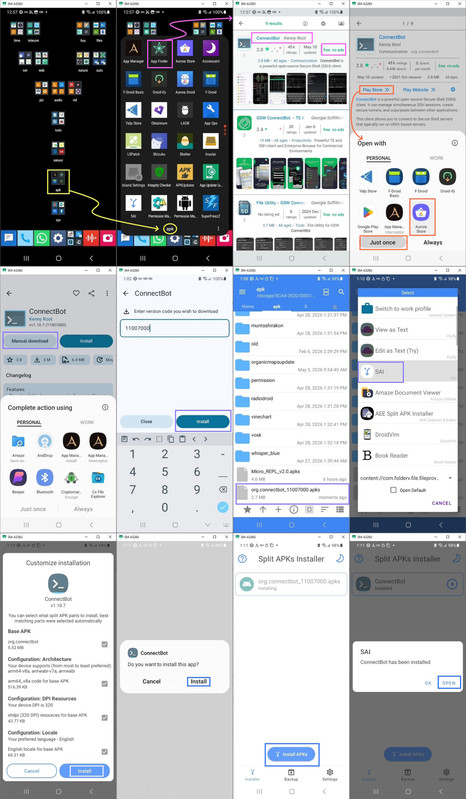
Notice I received the split APKs from the Google Play Store repository without having a Google Account saving the APK before installing it,
which is automatically done for me just by using the right programs.
<https://i.postimg.cc/s2qjyWB9/manual-install.jpg>
I'd wager one out of a million people know how to do what I just did.
It's easy to do. But you have to know a lot just to know how to do it.
| Sysop: | DaiTengu |
|---|---|
| Location: | Appleton, WI |
| Users: | 1,137 |
| Nodes: | 10 (0 / 10) |
| Uptime: | 24:46:48 |
| Calls: | 14,614 |
| Calls today: | 2 |
| Files: | 186,483 |
| D/L today: |
13,946 files (4,193M bytes) |
| Messages: | 2,581,166 |